
Bookmarks and contents
Edit a PDF's bookmarks, make them from its headings, add a contents page.
or drop files here
You can also paste with Ctrl+V
A document we wrote for this: nothing of yours is used.
Processed on your device. Files are never uploaded.
Quick facts
- Takes
- One PDF, with or without bookmarks of its own. A password-protected PDF is refused until it is unlocked.
- Gives
- The same PDF with the bookmarks you set, nested up to ten levels deep, each opening a page or a web address; and, if you ask, a contents page at the start whose every line is a link.
- Runs
- In your browser. The file is never uploaded, and nothing is kept anywhere.
- Plan
- Free, with no account and no watermark: 10 tasks a day, on files up to 50 MB and 100 pages. Pro has no daily count and takes files up to 500 MB, with no page limit.
- From headings
- In one step: from the document’s tags where it has them, otherwise from the sizes of its text.
The outline readers show, and a page that lists it
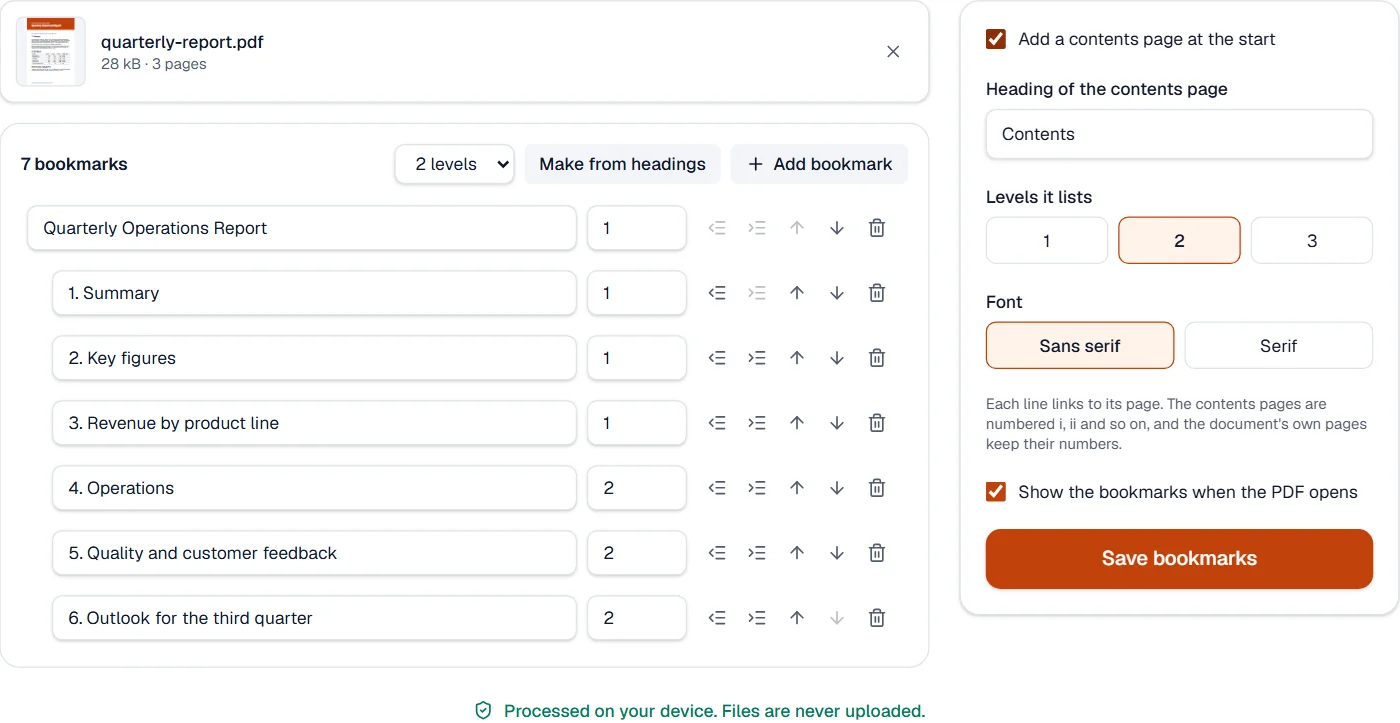
Bookmarks are the outline a PDF reader shows beside the document. The tool reads the ones the file has, with their nesting and their targets, and writes back the list as you leave it, so renaming, nesting and reordering are exact. Asked to make them from headings, it uses the document’s tags when the file was saved with them, and otherwise finds the lines set larger than the body text and ranks them by size.
The contents page is set in a sans-serif or a serif face, in every script the site supports, with dotted leaders to the page numbers. Its pages are numbered i, ii and so on, and the document’s pages keep their own numbers, so the contents page and the reader’s page box agree. The file can also open with the bookmarks panel showing.
Measured on our sample file
| Sample | Pages | Headings found | Pages after | Output | Time |
|---|---|---|---|---|---|
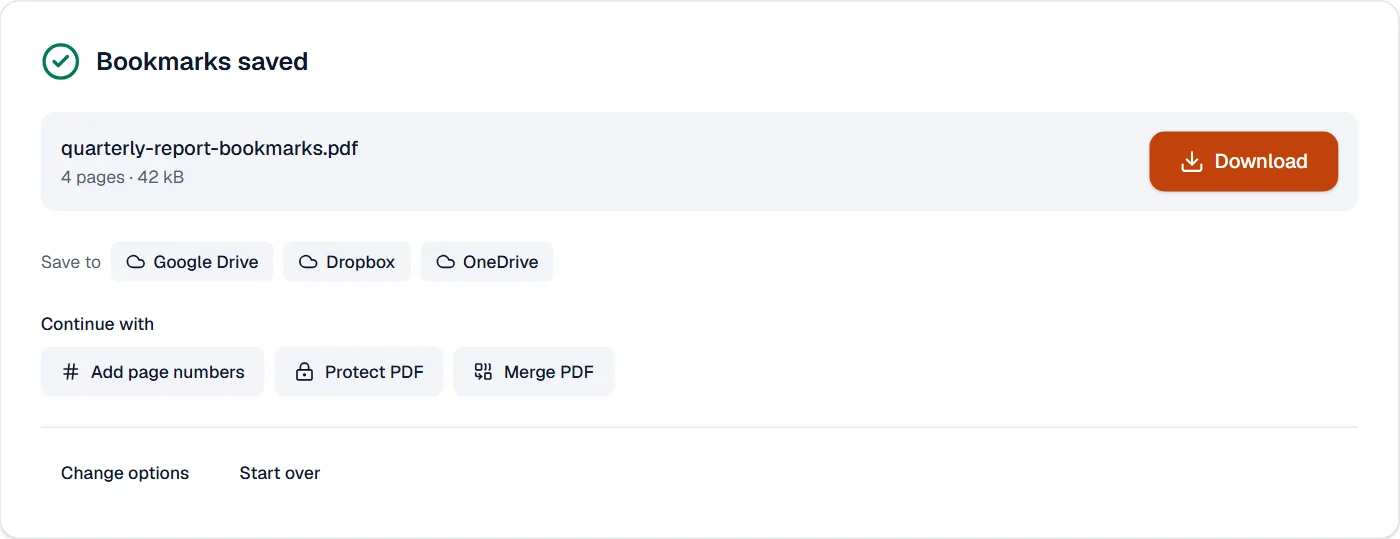
| Quarterly report | 3 | 7 | 4 | 42 kB | 0.4 s |
What it looks like
What it cannot do
- Point a bookmark at another file or run an action: bookmarks open pages and web addresses only.
- Find headings drawn as pictures: run OCR PDF first.
- Nest bookmarks more than ten levels deep.
If something goes wrong
- Make from headings finds nothing
- The document's headings may be no larger than its text. Add the bookmarks by hand.
- A bookmark is refused
- Every bookmark needs a title and a page that exists in the file.
- This PDF is protected. Enter its password to continue.
- Open it in Unlock PDF with its password first. Open Unlock PDF
About Bookmarks and contents
Bookmarks and contents edits a PDF's bookmarks, the outline readers show beside the document, and can add a contents page at the start whose lines are links to their pages. Bookmarks can be made from the document's headings in one step.
How to use Bookmarks and contents
Add the PDF; its bookmarks, if any, are listed.
Make them from the headings, or add, rename, nest and reorder them; choose whether to add a contents page.
Choose Save bookmarks and download the result.
Frequently asked questions
- Can bookmarks be made from my headings automatically?
- Yes. Choose Make from headings: headings are found from the document's tags or from the size of its text.
- Does the contents page link to the pages?
- Yes. Every line is a link, and its page number is the number the reader shows for that page.
- Will my page numbers change when the contents page is added?
- No. The contents pages are numbered i, ii and so on, and the document's own pages keep their numbers.
- Can I write titles in any language?
- Yes. Titles and the contents page are written with fonts for every script the site supports.
- How do I remove all bookmarks?
- Remove them from the list and save: the file is saved without bookmarks.
Related tools
- Add page numbersNumber pages with the position and style you choose, add a header and footer, or set the page numbers a reader shows.
- Organize PDFReorder, rotate, duplicate, delete or reverse pages visually, and add blank pages or another PDF’s pages where you choose.
- Split PDFSplit a PDF into several files by page ranges or page count, at its bookmarks, or into parts under a size.
- Merge PDFCombine several PDFs into one, in the order you want, or the front and back sides of a scan made one side at a time.