
PDF to text
Get a PDF's text as a plain text file, in reading order.
or drop files here
You can also paste with Ctrl+V
A document we wrote for this: nothing of yours is used.
Processed on your device. Files are never uploaded.
Quick facts
- Takes
- One PDF with text in it. A scan needs OCR PDF first. A password-protected PDF is refused until it is unlocked.
- Gives
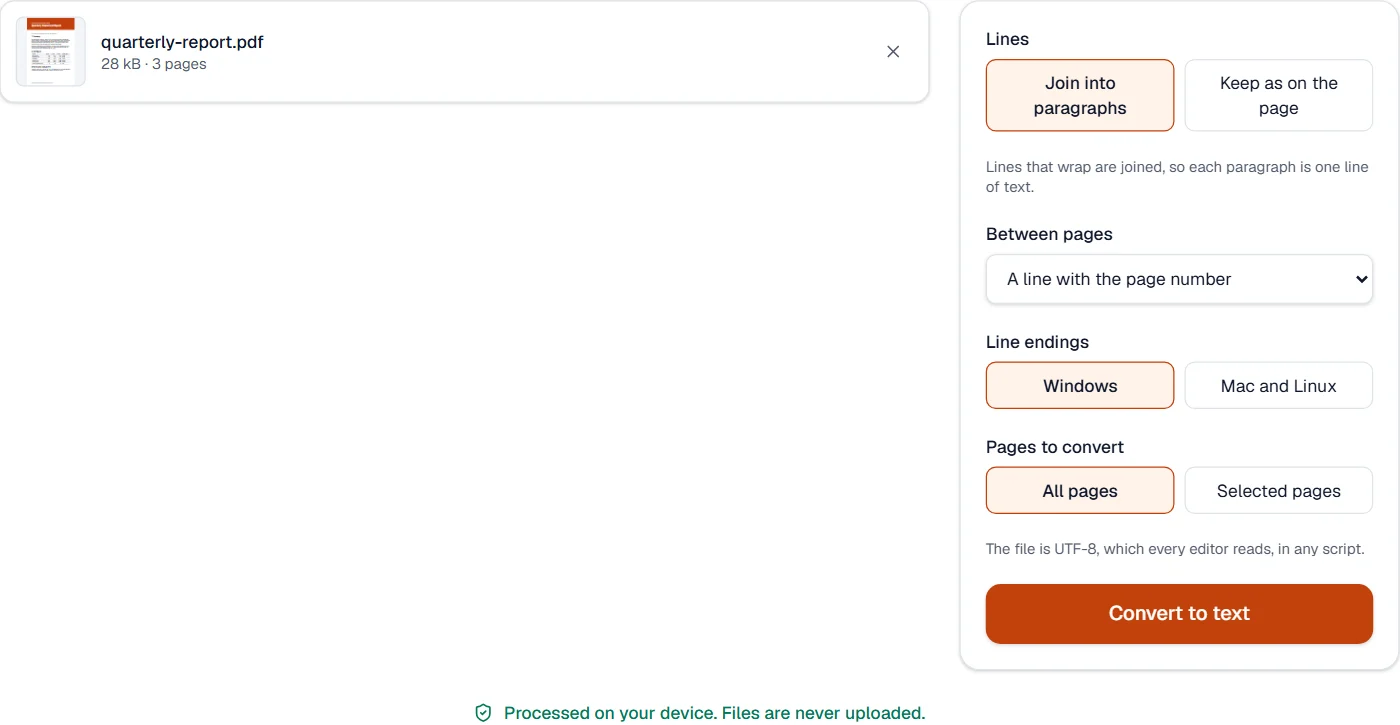
- A plain .txt file in UTF-8: the text in reading order, with paragraphs joined or lines kept as they are, and pages separated by their number, a page break character or an empty line.
- Runs
- In your browser. The file is never uploaded, and nothing is kept anywhere.
- Plan
- Free, with no account and no watermark: 10 tasks a day, on files up to 50 MB and 100 pages. Pro has no daily count and takes files up to 500 MB, with no page limit.
- Left out
- Running headers and footers and page numbers, which repeat on every page and would break the text up.
Read the way a person reads the page
A PDF stores its text as pieces placed on the page, in whatever order the program that made it wrote them. The tool rebuilds the page: words into lines, lines into blocks, blocks into columns, each column read to its end before the next. Headings, list items and table rows are recognized from their shape, and a table comes out one row to a line with its cells separated by tabs, ready to paste into a spreadsheet.
Lines that only wrap are joined, so a paragraph is one line of text that any editor wraps to its own width; for poems, addresses and code, the lines can stay as they are. Text recognized by OCR PDF is read like any other, and a page that is only a picture is named in the result.
Measured on our sample file
| Sample | Pages | Characters | Lines | Output | Time |
|---|---|---|---|---|---|
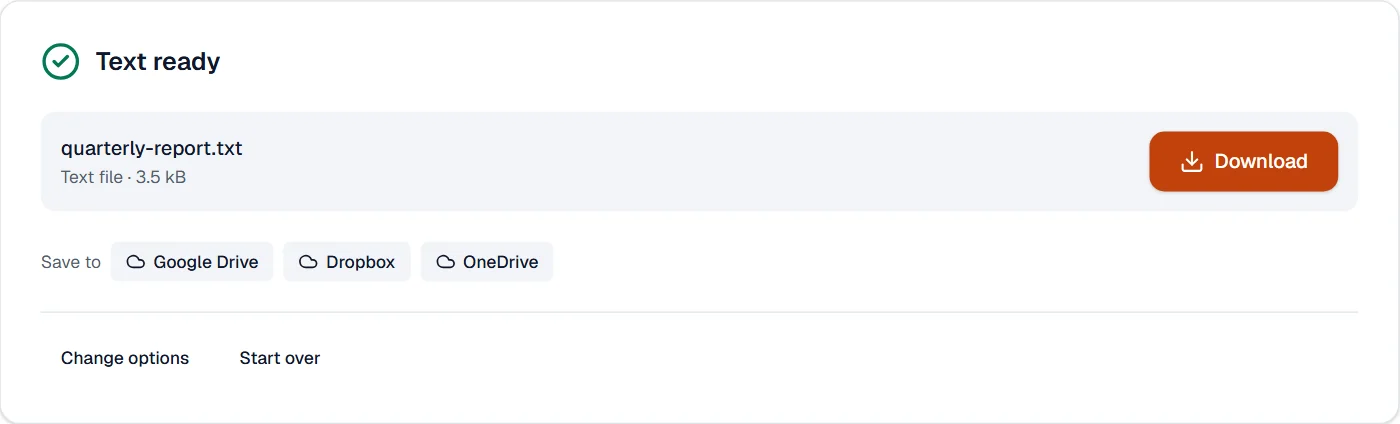
| Quarterly report | 3 | 2,898 | 40 | 3.5 kB | 0.4 s |
What it looks like
What it cannot do
- Read text that is only a picture: run OCR PDF first.
- Keep the page's exact layout, with text placed in columns by spaces.
- Keep pictures: use PDF to HTML or PDF to Markdown for those.
If something goes wrong
- This PDF holds no text, only pictures of pages. Run OCR PDF first, then convert the result.
- Run OCR PDF on the scan, then convert the result. Open OCR PDF
- Words are joined or split oddly
- The PDF may space its letters unusually. Try Keep as on the page.
- The text looks garbled in my editor
- Open the file as UTF-8; on Windows, choose the Windows line endings.
About PDF to text
PDF to text saves the text of a PDF as a plain .txt file: columns in reading order, headings, paragraphs and lists, without running headers and page numbers, and with the recognized text of scanned pages.
How to use PDF to text
Add the PDF.
Choose how lines and pages are separated.
Choose Convert to text and download the file.
Frequently asked questions
- Are columns read in the right order?
- Yes. Each column is read to its end before the next, as a person reads.
- Does it work on scans?
- On scans that were recognized, yes. A page that is only a picture has no text; run OCR PDF on it first.
- Will Hindi or Telugu text come out right?
- Yes, where the PDF holds its text properly. The file is UTF-8, which every editor reads.
- What about tables?
- Each row becomes a line, its cells separated by tabs, so they paste into a spreadsheet.
- Can I keep the lines as they are on the page?
- Yes. Choose Keep as on the page instead of joining lines into paragraphs.
Related tools
- PDF to MarkdownTurn a PDF into Markdown text with its headings, lists, tables and pictures.
- PDF to HTMLTurn a PDF into one web page: headings, paragraphs, lists, tables and pictures.
- OCR PDFMake a scanned PDF searchable, with text you can copy, in 25 languages.
- PDF to WordTurn a PDF into an editable Word document.