
Grayscale PDF
Turn every color into gray, in the file itself: for black-and-white print.
or drop files here
You can also paste with Ctrl+V
A document we wrote for this: nothing of yours is used.
Processed on your device. Files are never uploaded.
Quick facts
- Takes
- One PDF. A password-protected PDF is refused until it is unlocked.
- Gives
- The same document in shades of gray, in its data and not only in how it looks: text, drawings, gradients, patterns, photos, form fields and comments.
- Runs
- In your browser. The file is never uploaded, and nothing is kept anywhere.
- Plan
- Free, with no account and no watermark: 10 tasks a day, on files up to 50 MB and 100 pages. Pro has no daily count and takes files up to 500 MB, with no page limit.
- Photos
- Stored again as gray JPEGs at the quality you choose, high (90), standard (80) or smaller (65), or at the photo’s own quality when that is lower. Drawings, text and lossless pictures lose nothing.
Each color rewritten as its own lightness
Every color a page sets, in RGB, CMYK, Lab, a calibrated space, a spot color or a gradient’s function, becomes the gray of the same lightness, weighted the way PDF itself measures luminosity: 30% red, 59% green and 11% blue, so red stays darker than yellow and a chart keeps its contrast. Pictures are converted pixel by pixel: a lossless picture keeps one value a pixel instead of three, and a photo is stored again as a gray JPEG, never at a higher quality than it was saved with, since that would only make the file larger. A JPEG already keeps less color than brightness, so photos shrink less than the color they lose suggests.
Print shops that want black-and-white files check the data, not the screen, and a printer told to print gray from color data still mixes black from colored inks. Here the color is gone from the file. The rare part that cannot be rewritten, such as a JPEG 2000 picture, is shown in gray by painting over it in the Saturation blend mode, which keeps its lightness and takes the color away.
Measured on our sample file
| Sample | Pages | Input | Output | Smaller by | Time |
|---|---|---|---|---|---|
| Photo brochure | 6 | 2 MB | 1.9 MB | 6% smaller | 2.1 s |
What it looks like
What it cannot do
- Convert only some pages: the whole document is converted.
- Store JPEG 2000 pictures in gray: they are shown in gray instead.
- Convert to pure black and white: use PDF to TIFF in black and white for that.
If something goes wrong
- Photos look softer than before
- Choose High photo quality.
- A signature on the PDF is no longer valid
- Converting changes the file, which breaks digital signatures. Convert before signing.
- This PDF is protected. Enter its password to continue.
- Open it in Unlock PDF with its password first. Open Unlock PDF
About Grayscale PDF
Grayscale PDF converts every color in a document to gray, in the file itself: text, drawings, gradients, photos and comments. Print shops that ask for black-and-white files, and printers that would otherwise mix black from color inks, get a true gray file.
How to use Grayscale PDF
Add the PDF.
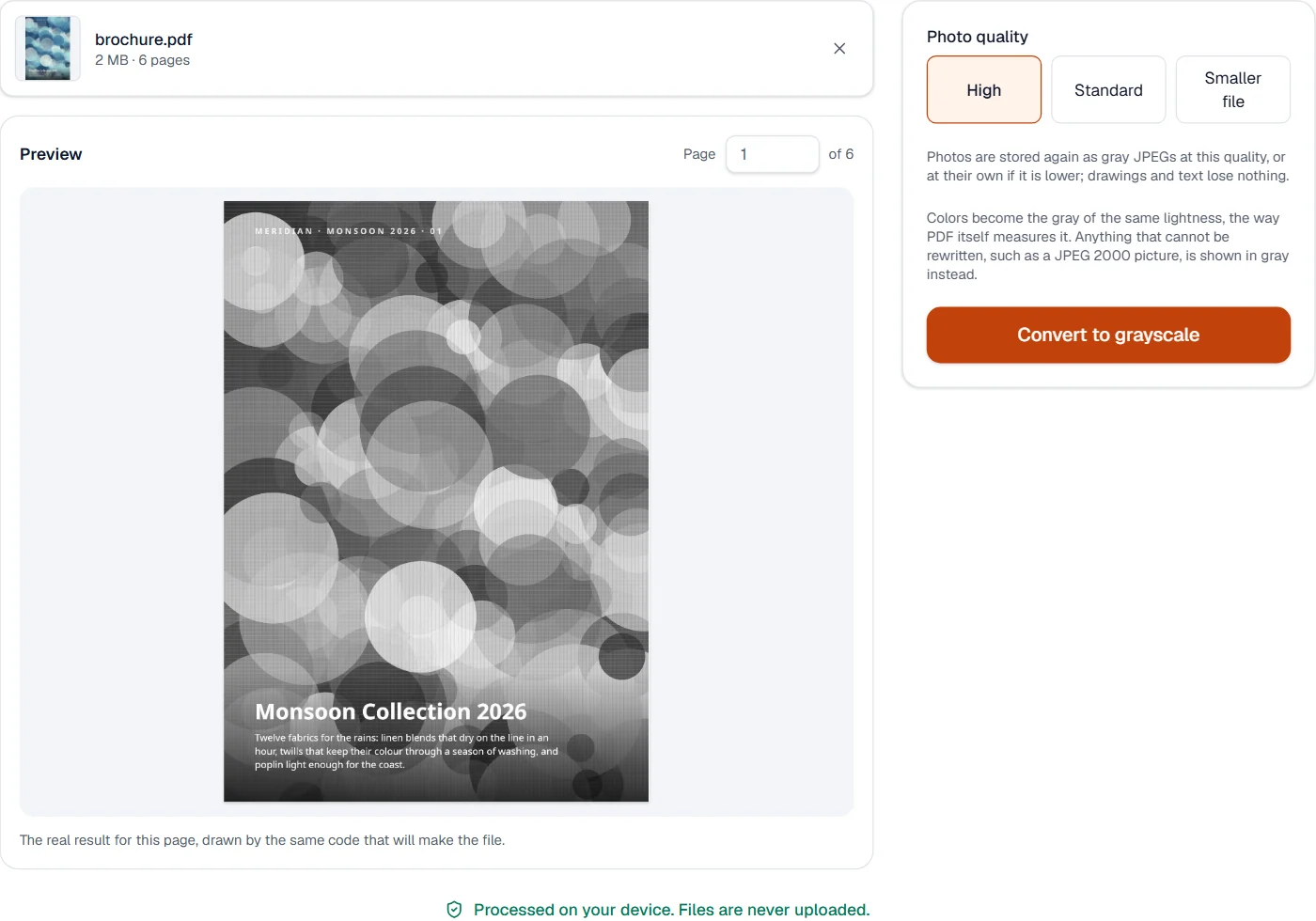
Choose the photo quality; the preview shows a page in gray.
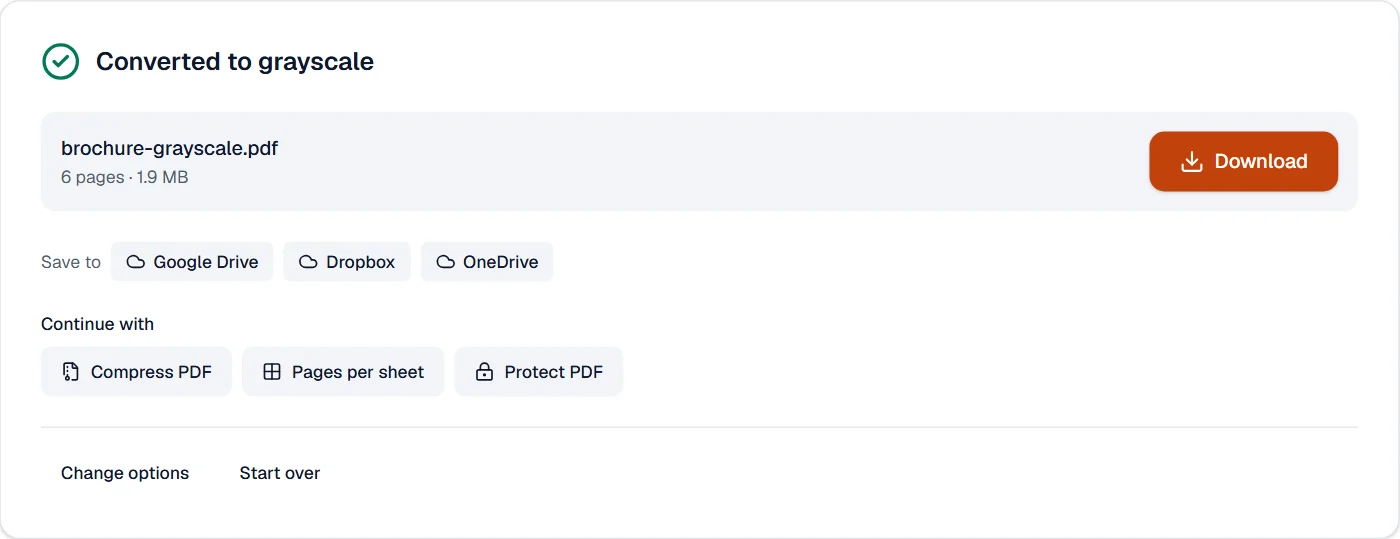
Choose Convert to grayscale and download the result.
Frequently asked questions
- Is the color really gone, or only hidden?
- It is gone: colors are rewritten as gray and photos are stored again in gray. Only what cannot be rewritten is shown in gray instead.
- Which gray does each color become?
- The gray of the same lightness, as PDF itself measures it, so red stays darker than yellow.
- Will the file get smaller?
- Usually somewhat: pictures lose their color data, and photos are never stored at a higher quality than they had. How much depends on the file.
- Does text stay text?
- Yes. Only colors change; text can still be selected and found.
- Can I convert only some pages?
- The whole document is converted, so that shared pictures and fonts stay consistent.
Related tools
- Compress PDFMake a PDF smaller, down to an exact size if you need one.
- Pages per sheetPrint 2 to 16 pages on one sheet, as handouts or to save paper.
- PDF to JPGSave each page as a JPG, PNG or TIFF picture, or pull out the pictures inside the PDF.
- Flatten PDFMake form fields, comments and drawings a permanent part of the page.