
Pages per sheet
Print 2 to 16 pages on one sheet, as handouts or to save paper.
or drop files here
You can also paste with Ctrl+V
A document we wrote for this: nothing of yours is used.
Processed on your device. Files are never uploaded.
Quick facts
- Takes
- One PDF. A password-protected PDF is refused until it is unlocked.
- Gives
- A new PDF with 2, 4, 6, 8, 9, 12 or 16 pages on each sheet, in rows or columns, from the left or from the right, on A4, Letter, A3, A5, Legal, Tabloid or the document’s own paper.
- Runs
- In your browser. The file is never uploaded, and nothing is kept anywhere.
- Plan
- Free, with no account and no watermark: 10 tasks a day, on files up to 50 MB and 100 pages. Pro has no daily count and takes files up to 500 MB, with no page limit.
- Preview
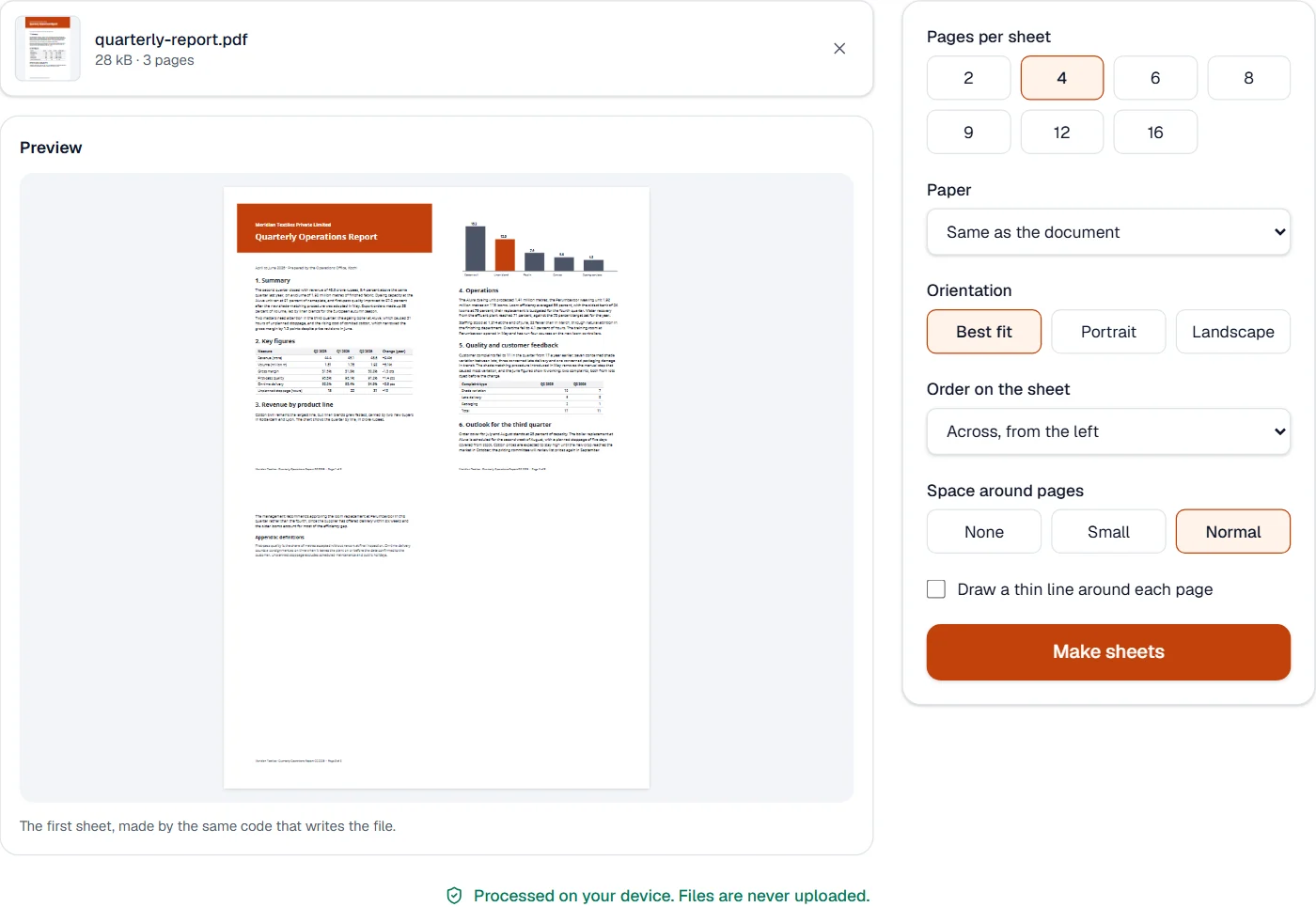
- The first sheet, drawn by the same code that writes the file, before you press the button.
Pages placed, not photographed
Each page goes onto the sheet as itself: its content becomes a form object, PDF’s way of reusing a drawing, scaled to its cell and centered, with the gap and margin you choose. Nothing is turned into a picture, so text stays text that can be selected and found, drawings stay sharp at any zoom, and the pages’ fonts and pictures are carried over as they were, never encoded again.
The sheet is turned to suit the pages unless you fix the orientation: two portrait pages go side by side on a landscape sheet, four on a portrait one. Links to web addresses keep working, and a link to another page of the document now opens the sheet that holds that page. Form fields and comments are drawn as they looked, since a sheet cannot hold the working fields of several pages.
Measured on our sample file
| Sample | Pages | Sheets | Text kept | Input | Output | Time |
|---|---|---|---|---|---|---|
| Quarterly report | 3 | 1 | All of it | 28 kB | 28 kB | 0.3 s |
What it looks like
What it cannot do
- Make booklets, where pages are folded and ordered for printing on both sides.
- Keep form fields working: they are drawn onto the sheets.
- Mix sizes on one sheet: each page is fitted into its own place.
If something goes wrong
- The pages are too small to read
- Choose fewer pages per sheet, or a larger paper such as A3.
- Pages sit in the wrong order
- Choose another order: across or down, from the left or from the right.
- This PDF is protected. Enter its password to continue.
- Open it in Unlock PDF with its password first. Open Unlock PDF
About Pages per sheet
Pages per sheet prints several pages of a PDF on one sheet of paper: two for a booklet-style handout, four or nine to review slides, sixteen to save paper. Each page keeps its text and pictures as they are, only smaller.
How to use Pages per sheet
Add the PDF.
Choose how many pages go on a sheet, the paper and the order; the preview shows the first sheet.
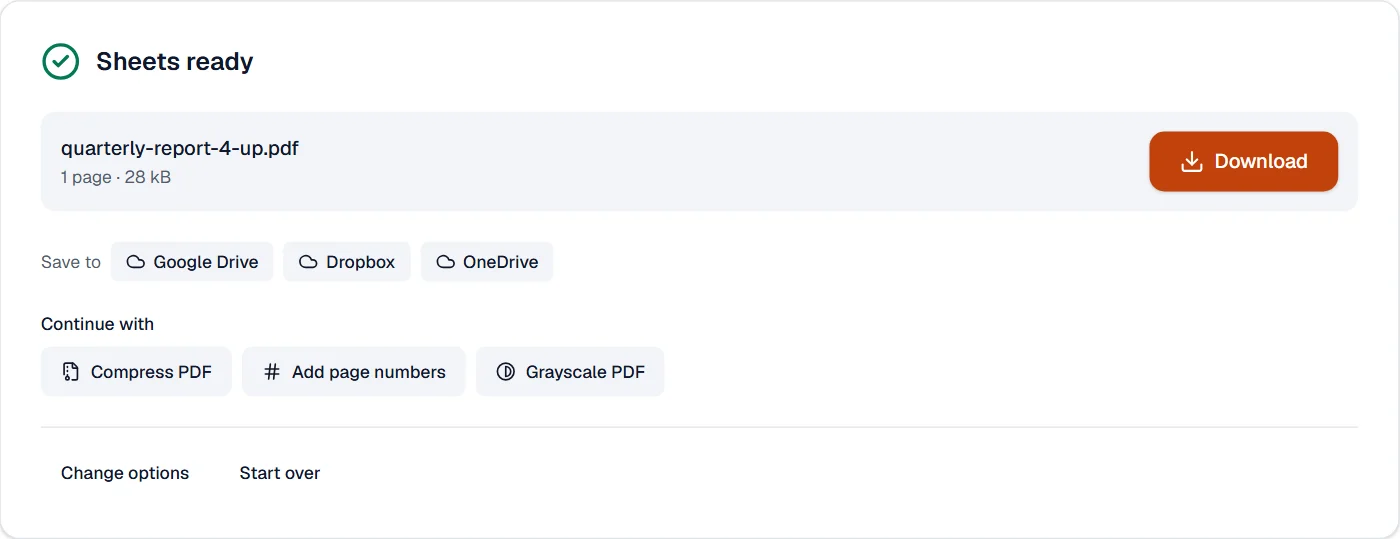
Choose Make sheets and download the new PDF.
Frequently asked questions
- Does the text stay sharp and searchable?
- Yes. Pages are placed as they are, not as pictures, so text stays text at any zoom and can still be selected and found.
- Can the pages run from right to left?
- Yes. Choose an order from the right for documents read right to left, across or down.
- What paper size do I get?
- The document's own size by default, turned to fit the pages best, or A4, Letter, A3, A5, Legal or Tabloid.
- Do links still work?
- Yes. Web links keep their addresses, and links to other pages now open the sheet that holds that page.
- What happens to form fields and comments?
- They are drawn onto the pages as they looked, since a sheet cannot hold working fields of several pages.
Related tools
- Resize PDF pagesChange the paper size, scale the content to fit, or add margins.
- Grayscale PDFTurn every color into gray, in the file itself: for black-and-white print.
- Compress PDFMake a PDF smaller, down to an exact size if you need one.
- Merge PDFCombine several PDFs into one, in the order you want, or the front and back sides of a scan made one side at a time.