
Resize image
Change the pixel size of pictures by width, height, exact dimensions or percent.
or drop files here
JPG, PNG, WEBP, GIF or BMP
You can also paste with Ctrl+V
A document we wrote for this: nothing of yours is used.
Processed on your device. Files are never uploaded.
Quick facts
- Takes
- Up to 50 pictures at a time: JPG, PNG, WebP and whatever else the browser can read.
- Gives
- Each picture at the width or height you asked for, at a percentage, or at an exact size, keeping its proportions unless you set both sides; a ZIP when there are several.
- Runs
- In your browser. The pictures are never uploaded, and nothing is kept anywhere.
- Plan
- Free, with no account and no watermark: 10 tasks a day, up to 10 pictures at a time, each up to 50 MB. Pro has no daily count and takes up to 50 pictures, each up to 500 MB.
- Only shrink
- On by default: a picture already smaller than the size asked is left as it is, so nothing is enlarged by accident.
Resampled by the browser, saved by you
The picture is decoded, drawn at the new size with the browser’s own high-quality resampling, and encoded again in the format you chose at the quality you set. The camera’s orientation is honored, so a photo taken sideways comes out upright. The result carries no EXIF data: no camera, no place, no date, which is also what most people want from a picture they are about to send.
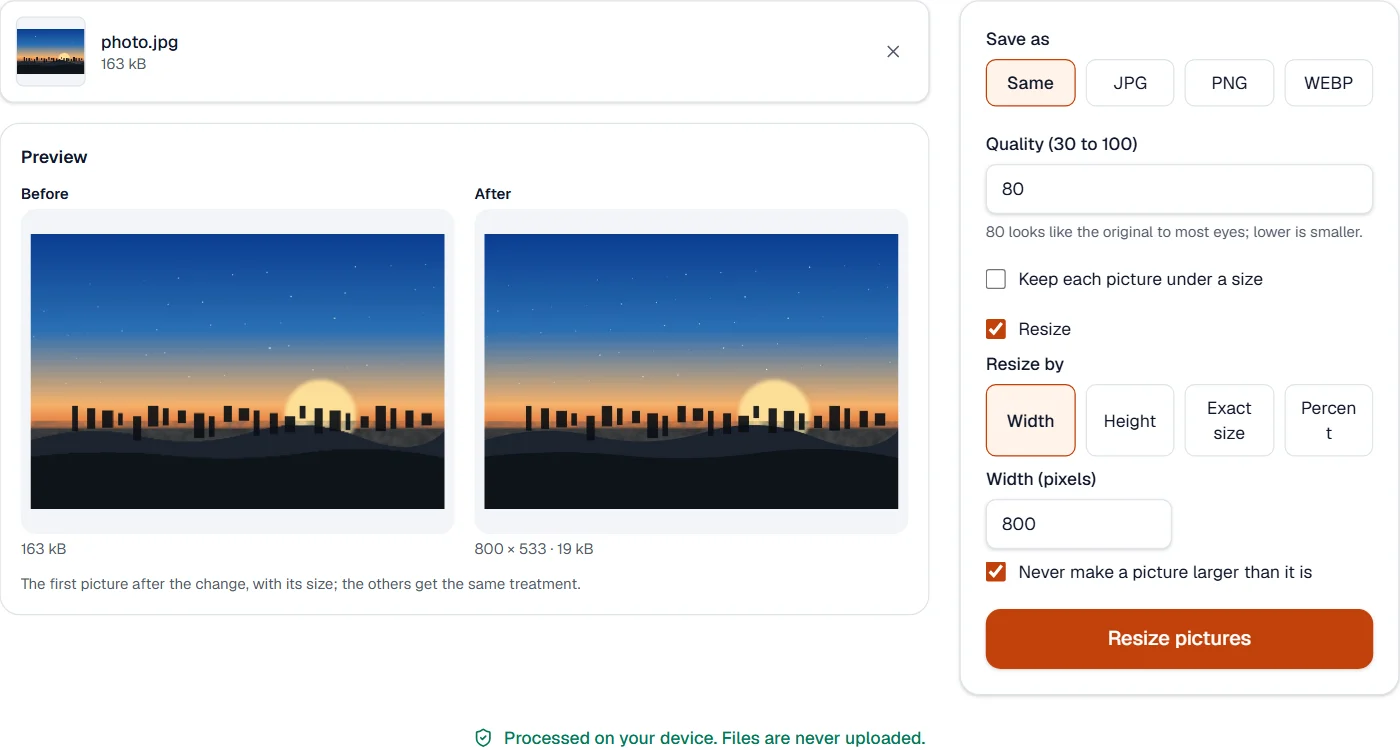
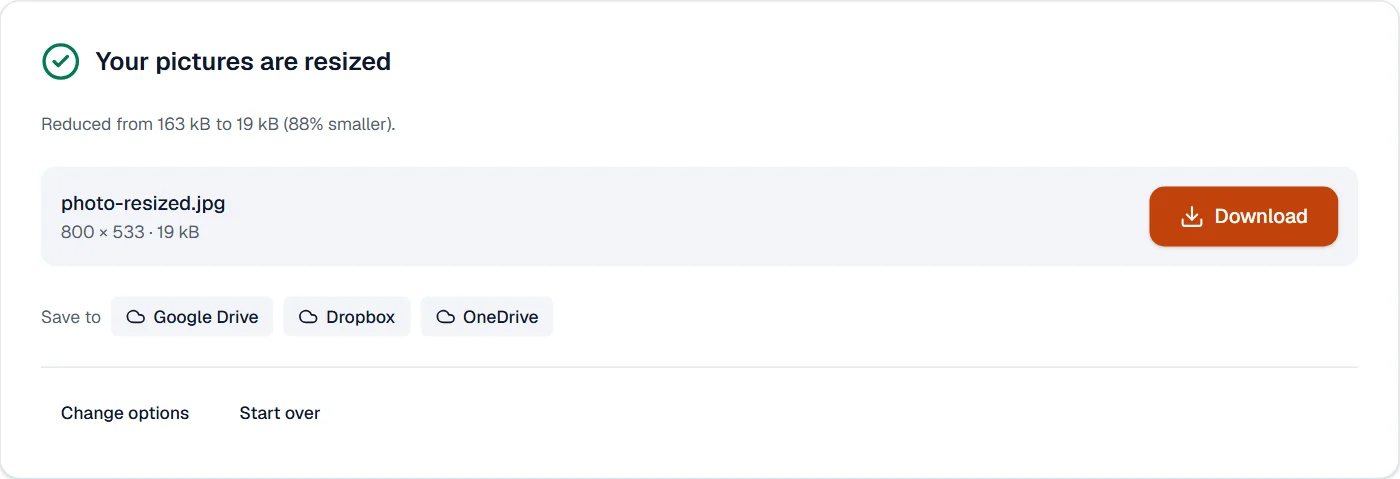
Measured on our sample photo
| Sample | Before | After | Size after | Time |
|---|---|---|---|---|
| Photo | 163 kB | 800 × 533 | 19 kB | 0.3 s |
What it looks like
What it cannot do
- Add detail. Making a small picture larger stretches the pixels it has.
- Keep the picture's EXIF data, such as the camera and the place. The result carries none, which is also what most people want.
- Resize the pictures inside a PDF. Compress PDF does that.
If something goes wrong
- The picture did not shrink
- Only shrink is on and the picture was already smaller than the size asked. Untick it to enlarge.
- One of the images can't be used. Try saving it as JPG or PNG.
- The browser could not read this picture format. Save it as JPG or PNG in the program it came from.
- The proportions changed
- An exact width and height stretch the picture to fit. Choose a width or a height alone to keep the proportions.
About Resize image
Resize image changes the dimensions of pictures by pixels or by percentage, keeping the proportions if you like, for profile photos, listings, forms and print. Resizing runs in your browser.
How to use Resize image
Add the pictures.
Type the width, the height or a percentage; lock the proportions to avoid stretching.
Choose Resize and download the pictures.
Frequently asked questions
- Does enlarging make the picture blurry?
- A picture cannot gain detail it does not have; small enlargements look fine, large ones soften. Shrinking always looks good.
- Can I resize many pictures at once?
- Yes. The same size applies to every picture you added, and they download together in a ZIP.
- Which format is the result?
- The same as the original unless you choose another; JPG, PNG and WEBP are available.
- Can I resize a photo to exact pixel dimensions, such as 600 by 800?
- Yes. Enter the width and height; the picture is scaled to those dimensions. Enter only one side to keep the proportions.
- How do I reduce a picture to a size in KB?
- Use Compress image with a target size; resizing changes the dimensions, compressing changes the file size.
Related tools
- Compress imageShrink JPG, PNG and WEBP pictures, down to an exact size in KB when a form demands one.
- Convert imageConvert pictures between JPG, PNG and WEBP, including phone HEIC photos.
- JPG to PDFTurn photos and images into a PDF, one image per page.
- PDF to JPGSave each page as a JPG, PNG or TIFF picture, or pull out the pictures inside the PDF.