
PDF to PowerPoint
Turn a PDF into an editable PowerPoint presentation, one page per slide.
Checking that the servers are available…
Pro. Runs on our servers: encrypted in transit, deleted automatically.
Quick facts
- Takes
- One PDF at a time, up to 200 MB. A password-protected PDF is unlocked on your device with the password typed on its card, and sent without its lock.
- Gives
- A .pptx with one slide per page, in the page’s proportions: the text as text boxes where it was, the pictures as pictures.
- Runs
- On our servers: the file is uploaded over an encrypted connection, converted by LibreOffice Impress, and the job is deleted as soon as the result is fetched.
- Plan
- Pro: 200 tasks a day on our servers, and a task that fails is not counted. The tools that run in your browser stay free.
- Converter
- LibreOffice 24.2.7 (Ubuntu 24.04), the one in the worker image this site deploys.
A slide per page, built from what the page holds
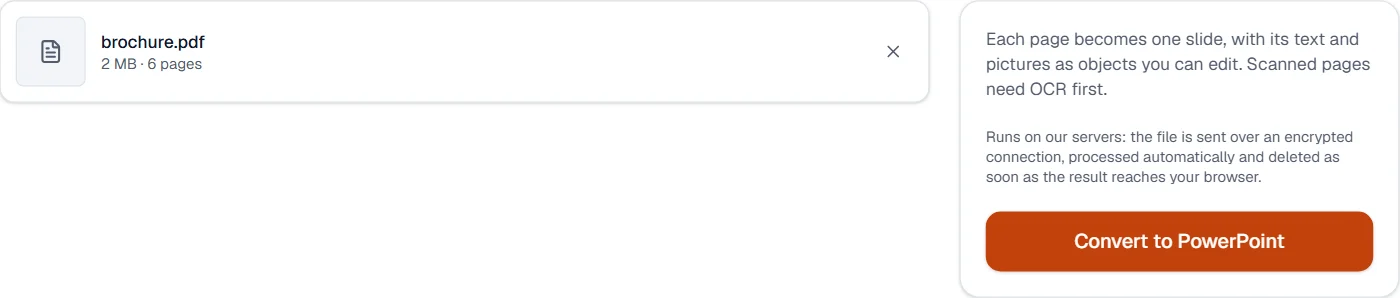
LibreOffice reads the PDF into Impress: each page becomes a slide of the same proportions, each line of text a text box placed where the line was, each picture a picture. A scanned page holds one picture and no text, so it becomes a slide with that picture and nothing to edit; run OCR PDF first for text. Bullet lists, tables and charts are not rebuilt as objects; the text boxes carry their words, and a chart drawn with lines stays drawn.
Measured on our sample file
| Sample | PPTX | Slides | Text boxes | Pictures | Time | |
|---|---|---|---|---|---|---|
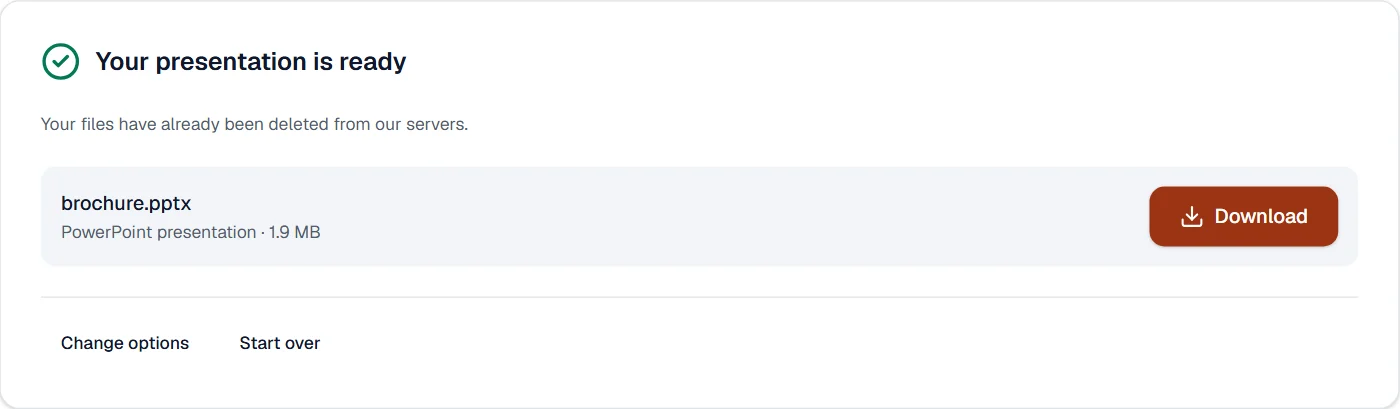
| Picture brochure | 2 MB | 1.9 MB | 6 | 0 | 6 | 7.5 s |
Read it as the honest case: the brochure is six full-page pictures, so the deck is six slides of one picture each and no text box, at about the size of the PDF. A text document gives text boxes instead, one per line.
What it looks like
What it cannot do
- Make editable text from a scan. A scanned page becomes one picture on a slide; run OCR PDF first.
- Rebuild bullet lists, tables or charts as objects. Text comes as text boxes, pictures as pictures.
- Embed the fonts. They are named, and PowerPoint substitutes what it lacks.
If something goes wrong
- The document could not be converted. Check that it opens in its own program, then try again.
- The file is damaged or unusual. Run it through Repair PDF and convert the repaired copy. Open Repair PDF
- Every slide is a picture
- The PDF was a scan. Run OCR PDF first, then convert the searchable copy. Open OCR PDF
- Today's tasks are used up
- Pro runs 200 tasks a day on our servers, counted from midnight UTC, and a task that fails is not counted. The count starts again the next day.
About PDF to PowerPoint
PDF to PowerPoint turns each page of a PDF into a slide of an editable PPTX presentation, so a report or a deck exported to PDF can be presented and revised again. Conversion runs on our servers; files are deleted afterwards.
How to use PDF to PowerPoint
Add the PDFs, up to 20 at a time.
They are uploaded over an encrypted connection and converted with LibreOffice.
Download the PPTX files; the uploads are deleted at once.
Frequently asked questions
- Is the text editable on the slides?
- Yes, where the PDF holds text; each block becomes a text box. Scanned pages need OCR PDF first.
- What slide size is used?
- Slides take the page's proportions, so a landscape PDF gives widescreen-style slides.
- Can I keep the pages as pictures?
- Use PDF to JPG and insert the pictures into your own presentation for a pixel-exact copy.
- Can I convert a PDF to Google Slides?
- Convert it to PPTX here, then import the file into Google Slides; the slides stay editable.
- Is there a limit on the number of pages?
- Each page becomes one slide. Files up to 200 MB convert with Pro.
Related tools
- PowerPoint to PDFTurn PowerPoint presentations into PDFs, one slide per page.
- PDF to JPGSave each page as a JPG, PNG or TIFF picture, or pull out the pictures inside the PDF.
- PDF to WordTurn a PDF into an editable Word document.
- Split PDFSplit a PDF into several files by page ranges or page count, at its bookmarks, or into parts under a size.