
Excel to PDF
Turn Excel spreadsheets into PDFs, every sheet included.
Checking that the servers are available…
Pro. Runs on our servers: encrypted in transit, deleted automatically.
Quick facts
- Takes
- XLSX, XLS, ODS and CSV files, up to twenty at a time, each up to 200 MB.
- Gives
- One PDF per workbook, every sheet printed with the page setup the file carries.
- Runs
- On our servers: the file is uploaded over an encrypted connection, converted by LibreOffice, and the job is deleted as soon as the result is fetched.
- Plan
- Pro: 200 tasks a day on our servers, and a task that fails is not counted. The tools that run in your browser stay free.
- Fonts
- Liberation, Carlito, Caladea and Noto stand in for Arial, Times New Roman, Calibri and Cambria with the same letter widths, so lines break where they did; other fonts are substituted.
Printed by LibreOffice, as the file says
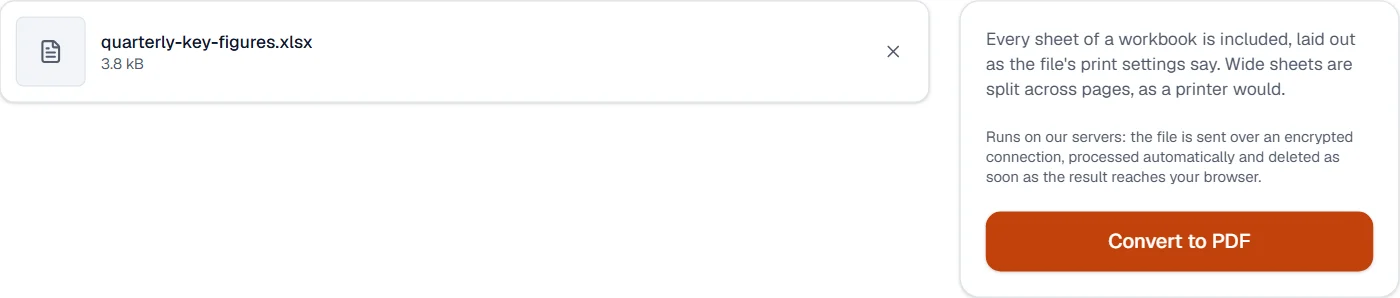
The file is opened by LibreOffice on a server of ours, with no network of its own, and printed to PDF the way the program would print it: every page as the document lays it out, pictures at their stored resolution, fonts embedded as subsets. Every sheet prints with the page setup the workbook carries, print area and scaling included; a sheet without one is cut into pages as Excel would cut it.
The upload, the conversion and the download are three steps of one job; the page shows each, and the job is deleted when the result has been fetched. The converter is LibreOffice 24.2.7 (Ubuntu 24.04), the one in the worker image this site deploys. The result opens in every tool here, such as Compress PDF or Merge PDF.
Measured on our sample file
| Sample | File | Pages | Time | |
|---|---|---|---|---|
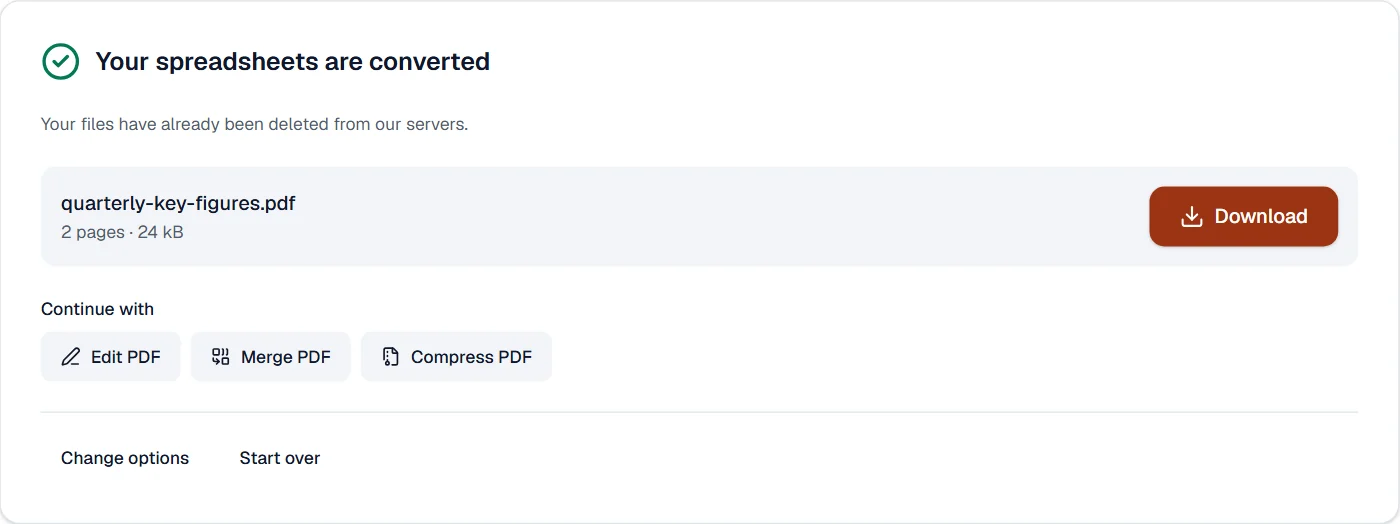
| Quarterly key figures, .xlsx, two sheets | 3.8 kB | 24 kB | 2 | 7.6 s |
Read it as what a conversion costs: a few seconds for the server to start LibreOffice and print, plus the upload and the download of the file on your connection. A PDF is larger than the Office file it came from, because it carries the fonts.
What it looks like
What it cannot do
- Choose the sheets, the print area or the scaling. Every sheet prints as the workbook's own page setup says.
- Recalculate formulas. The values stored in the file are what print.
- Match Excel's fonts exactly where they are missing. Liberation, Carlito, Caladea and Noto stand in.
If something goes wrong
- The document could not be converted. Check that it opens in its own program, then try again.
- Open the workbook in Excel or LibreOffice and save it again. A file that opens there converts.
- Columns are cut off
- Set the print area and the scaling in Excel (fit to one page wide), save, and convert again. The servers print the page setup the file carries.
- Today's tasks are used up
- Pro runs 200 tasks a day on our servers, counted from midnight UTC, and a task that fails is not counted. The count starts again the next day.
About Excel to PDF
Excel to PDF converts XLSX, XLS, ODS and CSV spreadsheets into PDFs with the sheets laid out on pages, so reports and tables can be shared without the spreadsheet application. The conversion runs on our servers and the files are deleted afterwards.
How to use Excel to PDF
Add the spreadsheets, up to 20 at a time.
They are uploaded over an encrypted connection and converted with LibreOffice.
Download the PDFs; the uploads are deleted at once.
Frequently asked questions
- Are all sheets included?
- Yes, every sheet in order, with the print area and page setup saved in the file respected.
- Why does a wide sheet spill over several pages?
- The page setup in the file decides the scaling. Set the sheet to fit one page wide before converting for a single-page table.
- Are formulas recalculated?
- The saved values are used, as when the file was last saved in its application.
- Can I convert a CSV file to PDF?
- Yes. A CSV is laid out as one sheet and printed to pages like any spreadsheet.
- Can I convert only one sheet?
- Every sheet is included. Hide or delete the others in the workbook first, or run Extract pages on the PDF afterwards.
Related tools
- PDF to ExcelTurn the tables and figures of a PDF into an Excel workbook, in your browser.
- Word to PDFTurn Word documents into PDFs that look the same everywhere.
- PowerPoint to PDFTurn PowerPoint presentations into PDFs, one slide per page.
- Compress PDFMake a PDF smaller, down to an exact size if you need one.