
Compress image
Shrink JPG, PNG and WEBP pictures, down to an exact size in KB when a form demands one.
or drop files here
JPG, PNG, WEBP, GIF or BMP
You can also paste with Ctrl+V
A document we wrote for this: nothing of yours is used.
Processed on your device. Files are never uploaded.
Quick facts
- Takes
- Up to 50 pictures at a time: JPG, PNG, WebP and whatever else the browser can read.
- Gives
- Each picture under the size you asked for, or at the quality you set, in the same format or another; a ZIP when there are several.
- Runs
- In your browser. The pictures are never uploaded, and nothing is kept anywhere.
- Plan
- Free, with no account and no watermark: 10 tasks a day, up to 10 pictures at a time, each up to 50 MB. Pro has no daily count and takes up to 50 pictures, each up to 500 MB.
- Preview
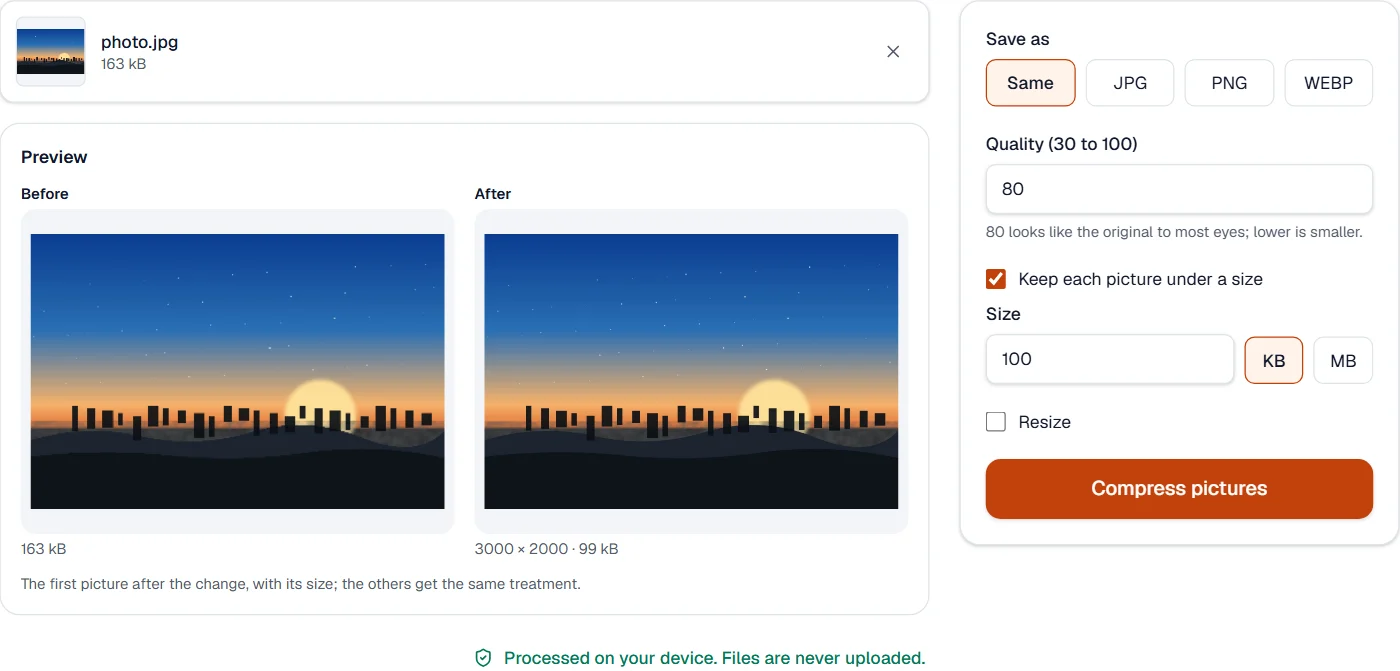
- The first picture before and after, with the size after, drawn by the same code that treats every picture.
Quality first, then pixels
The picture is decoded by the browser and encoded again at the quality you set. With a target size, the quality is lowered step by step until the picture fits; when the lowest quality is still too large, the picture is also made smaller, since fewer pixels cut the size more than a lower quality does. A PNG keeps every pixel and has no quality to lower, which is why the page says to choose JPG or WebP for a target.
The pictures inside a PDF are a different job: Compress PDF re-encodes them at the size they are shown.
Measured on our sample photo
| Sample | Before | Asked for | After | Time |
|---|---|---|---|---|
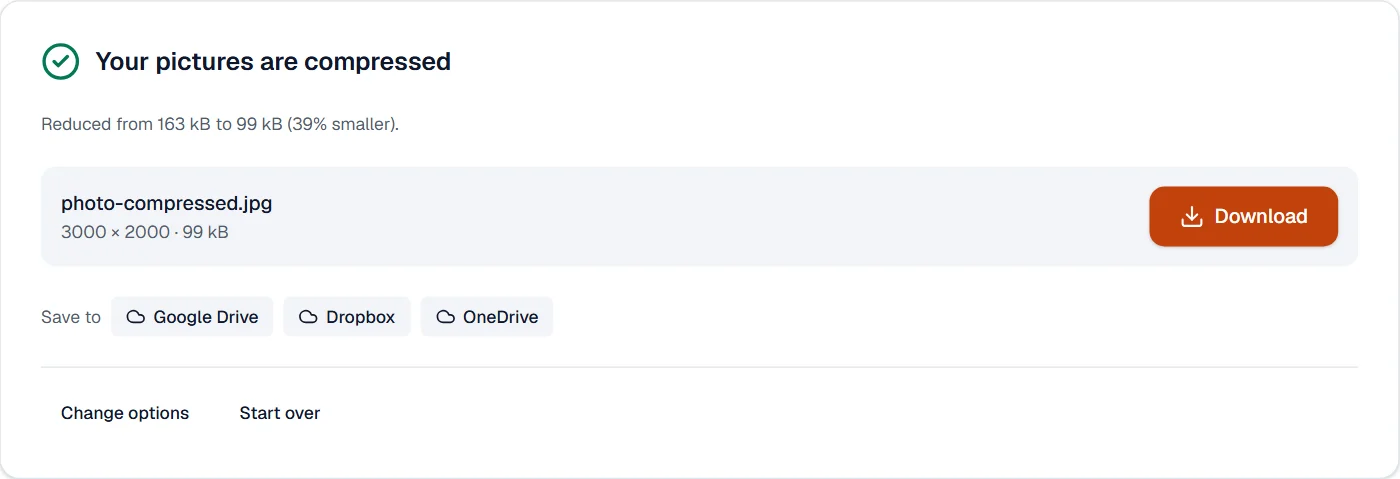
| Photo | 163 kB | under 100 kB | 99 kB (39% smaller) | 1.7 s |
What it looks like
What it cannot do
- Open HEIC or RAW photos in every browser. JPG, PNG and WebP open everywhere; HEIC depends on the browser.
- Make a picture of text smaller without softening it. Strong compression blurs fine lines; keep the quality high for scans, and lower the size by resizing instead.
- Go below the size its pixels need. When the target is still not reached at the lowest quality, resize as well.
- Keep an animated GIF moving. It becomes a still picture.
If something goes wrong
- The picture is still above the target
- Tick Resize as well: fewer pixels cut the size more than a lower quality does, and the preview shows the result.
- One of the images can't be used. Try saving it as JPG or PNG.
- The browser could not read this picture format. Save it as JPG or PNG in the program it came from.
- The colors or the background changed
- A PNG with transparency saved as JPG gets a white background. Keep PNG or WebP for transparency.
About Compress image
Compress image makes JPG, PNG and WEBP pictures smaller for email, websites and messaging, at the quality you choose or down to a target size. It runs in your browser, so photos never leave your device.
How to use Compress image
Add the pictures.
Choose a quality or a target size; the new size is shown before you save.
Choose Compress and download the pictures, one by one or in a ZIP.
Frequently asked questions
- Will the picture look worse?
- At the default quality the difference is invisible for photos. Very strong compression softens fine detail; the preview lets you judge.
- Why does a PNG not get smaller?
- PNG is lossless, so only shrinking its dimensions reduces it. Convert to JPG or WEBP for photos.
- Is the orientation kept?
- Yes. Photos from phones come out the right way up.
- How do I compress a photo to 50 KB or 100 KB for a form?
- Enter the size as the target; the quality and, if needed, the dimensions are reduced step by step until the picture fits.
- Can I compress many photos at once?
- Yes. Add up to 10 pictures at a time on the free plan, or up to 50 with Pro; the same setting or target applies to each, and they download together.
Related tools
- Resize imageChange the pixel size of pictures by width, height, exact dimensions or percent.
- Convert imageConvert pictures between JPG, PNG and WEBP, including phone HEIC photos.
- JPG to PDFTurn photos and images into a PDF, one image per page.
- Compress PDFMake a PDF smaller, down to an exact size if you need one.