
Deskew PDF
Straighten pages that were scanned at a slant.
or drop files here
You can also paste with Ctrl+V
A document we wrote for this: nothing of yours is used.
Processed on your device. Files are never uploaded.
Quick facts
- Takes
- One PDF, usually a scan. A password-protected PDF is refused until it is unlocked.
- Gives
- The same document with each tilted page turned back straight, at the full quality of the scan.
- Runs
- In your browser. The file is never uploaded, and nothing is kept anywhere.
- Plan
- Free, with no account and no watermark: 10 tasks a day, on files up to 50 MB and 100 pages. Pro has no daily count and takes files up to 500 MB, with no page limit.
- Angles
- Found for every page, to a tenth of a degree, up to 15 degrees either way; any page can be given its own angle, up to 45 degrees.
The tilt read from the lines of text
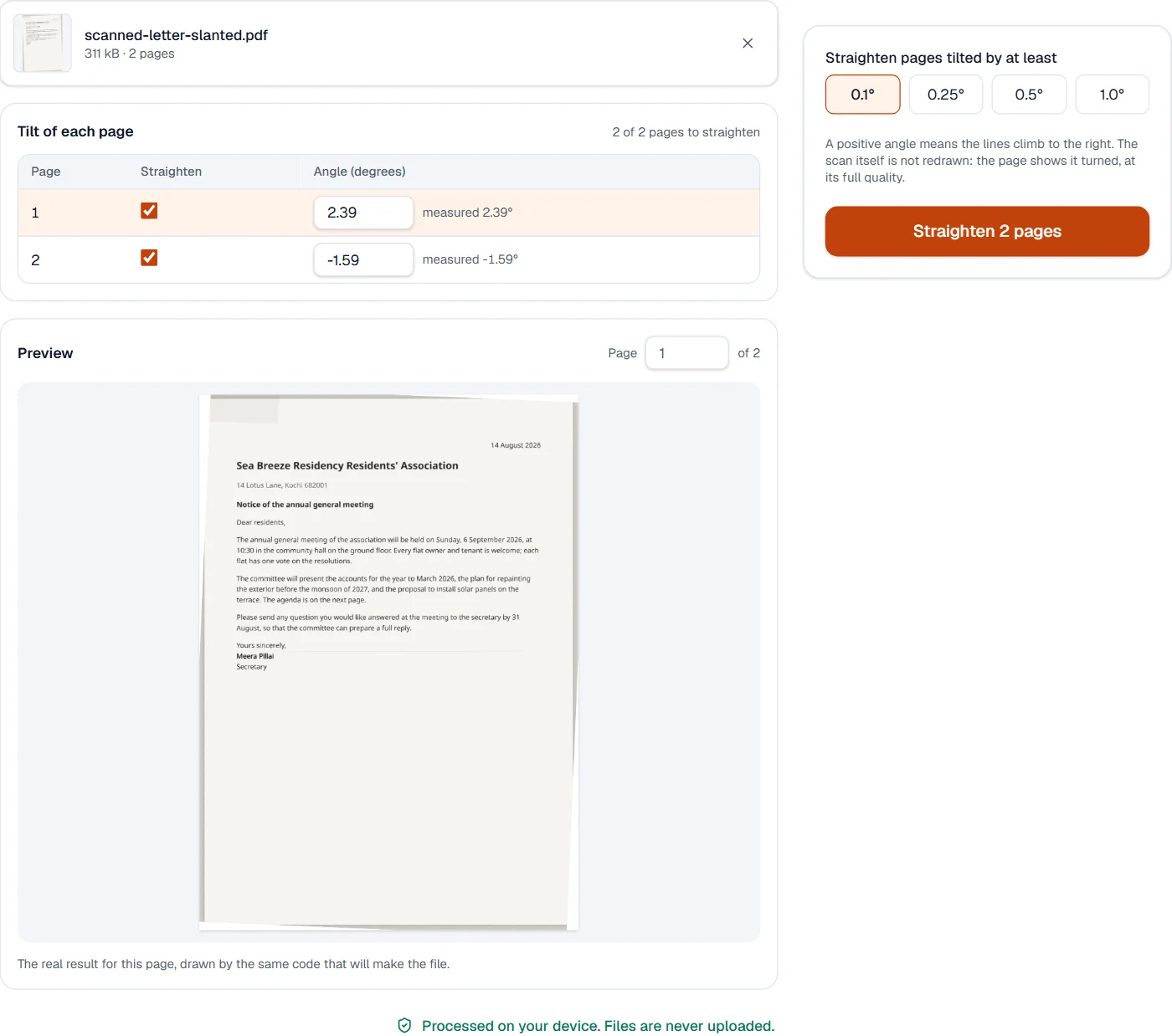
Each page is drawn at 100 dpi in your browser and its ink is projected onto a line at angles across 15 degrees either way: at the true angle, the lines of text gather into sharp rows with clean gaps between them. The sharpest angle is the tilt, and how much sharper it is than the rest says whether the page has lines at all; a photograph does not, and is left alone unless you give it an angle.
The page is then turned back about its center by that angle. The scanned picture is not drawn again: the page shows it turned, so every pixel keeps its value and the file does not grow. Straight lines also read better in OCR PDF, so straighten before you recognize.
Measured on our sample file
| Page | Laid at | Found | Off by |
|---|---|---|---|
| Page 1 | +2.40° | +2.39° | 0.01° |
| Page 2 | -1.60° | -1.59° | 0.01° |
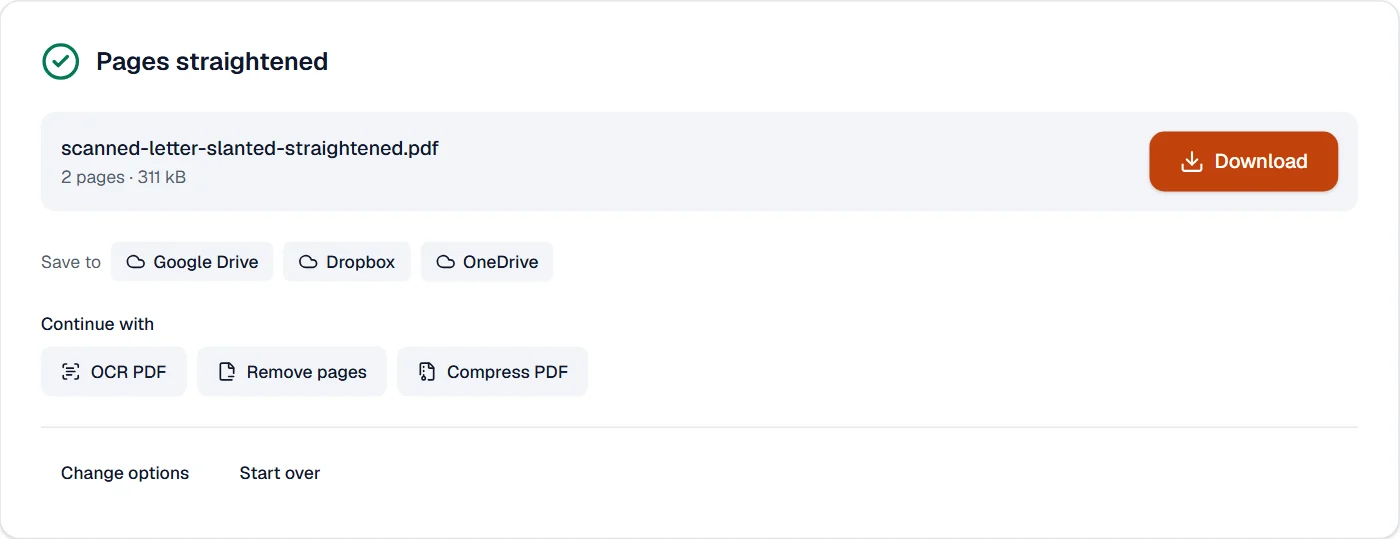
Straightening both pages took 0.1 s; the file went from 311 kB to 311 kB, since the scans were not drawn again.
What it looks like
What it cannot do
- Fix pages scanned upside down or sideways: use Rotate PDF for quarter turns.
- Straighten warped pages, such as the curve near a book's spine.
- Measure pages without lines of text, such as photos.
If something goes wrong
- A page turned the wrong way
- Type the angle with the other sign, or set it to 0 to leave the page as it was.
- A page was not straightened
- It may have no lines to measure, or a tilt below the threshold. Type its angle, or lower the threshold.
- Corners of the scan are cut off
- Turning a page moves its corners outside it. Resize the pages with a margin first if the corners matter.
About Deskew PDF
Deskew PDF straightens pages that were scanned at a slant. Each page's tilt is measured from its lines of text, and the page is turned back by that angle, at the full quality of the scan.
How to use Deskew PDF
Add the scanned PDF; every page is measured.
Check the pages and angles found, and change any you like; the preview shows a page straightened.
Choose Straighten and download the result.
Frequently asked questions
- How small a tilt is found?
- A tenth of a degree, measured from the lines of text on the page.
- Will the scan lose quality?
- No. The picture is not redrawn: the page shows it turned, so every pixel stays as it was.
- What about pages without text, such as photos?
- They have no lines to measure, so they are left as they are unless you give an angle.
- Should I straighten before OCR?
- Yes. Straight lines are recognized better; run OCR PDF on the straightened file.
- Can I set the angle myself?
- Yes. Type any angle up to 45 degrees for any page.
Related tools
- Split pages in halfCut pages in two: a scanned book's spreads become single pages.
- Remove pagesDelete the pages you don’t need from a PDF, picked by hand or found blank.
- OCR PDFMake a scanned PDF searchable, with text you can copy, in 25 languages.
- Crop PDFCut pages down to the part you want, or trim the margins automatically.