
Unlock PDF
Remove the password and restrictions from a PDF you can open.
or drop files here
You can also paste with Ctrl+V
The sample is locked with the password sample-2026.
Processed on your device. Files are never uploaded.
Quick facts
- Takes
- One protected PDF and its password: the one that opens it, or the owner password that set the permissions.
- Gives
- The same PDF with the password and the restrictions removed: it opens freely, prints and copies, and can be changed.
- Runs
- In your browser. Neither the file nor the password is ever uploaded, and nothing is kept anywhere.
- Plan
- Free, with no account and no watermark: 10 tasks a day, on files up to 50 MB and 100 pages. Pro has no daily count and takes files up to 500 MB, with no page limit.
- Needs the password
- There is no cracking here. A file whose password you do not have stays closed.
Decrypted with the password you have
The file card asks for the password as soon as a protected file is added, and the engine opens the file with it; the tool then writes the pages out without encryption. A file that only restricts printing or copying, without a password to open, is opened the same way and loses the restrictions. RC4 and AES, the kinds of encryption the standard describes, are read; a file from a rights-management system is not, and the notice says so. To put a new password on afterwards, Protect PDF.
Measured on our sample file
| Sample | Pages | Input | Output | Time |
|---|---|---|---|---|
| Locked agreement | 2 | 42 kB | 40 kB | 0.4 s |
What it looks like

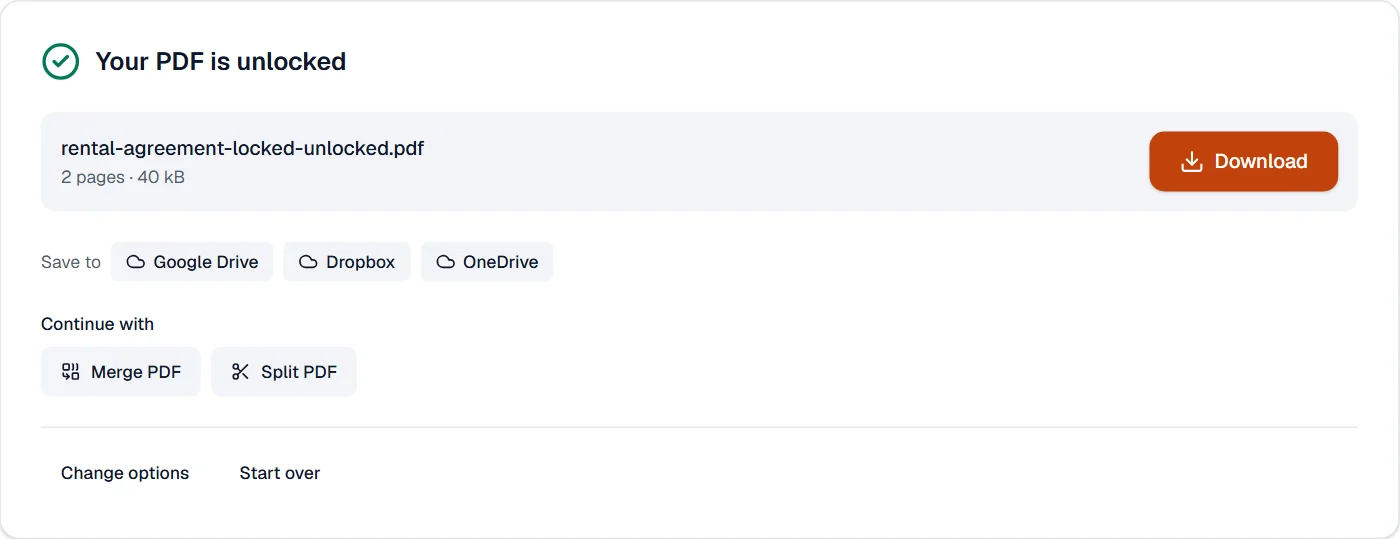
What it cannot do
- Open a file without its password. There is no cracking here, or anywhere honest.
- Remove a digital signature. Signatures are not locks; a signed file opens as any other.
- Open a file whose encryption this engine does not read. The notice names it; a file from a rights-management system needs that system.
If something goes wrong
- That password is incorrect.
- Passwords are case-sensitive. The owner password works too when the user password is unknown.
- This PDF has no password or restrictions.
- The file opens freely already. A reader that asked for a password was asking for a different file, or the file is signed, not locked.
- This PDF uses a kind of encryption that can't be opened here.
- Older RC4 and standard AES files open here. A file from a rights-management system needs that system, and its sender.
About Unlock PDF
Unlock PDF removes the password and the restrictions from a PDF you have the right to open, so you can print, copy and edit it freely. Decryption runs in your browser; the password is never sent anywhere.
How to use Unlock PDF
Add the protected PDF.
Enter its password if it asks for one; files that only restrict printing or copying open without.
Choose Unlock PDF and download the unrestricted document.
Frequently asked questions
- Can it crack a password I do not know?
- No. It removes protection from files you can already open; it does not guess passwords.
- Why can I open the file but not print it?
- The file carries restrictions set by its owner. Unlock PDF removes them when you have the right to use the document.
- Is the file changed otherwise?
- No. Pages, text and pictures stay exactly as they were; only the encryption goes.
- Is the password sent to a server?
- No. The file is decrypted in your browser; neither the password nor the document leaves your device.
- How do I remove the password from a bank statement or an Aadhaar PDF?
- Enter the password the sender gave you, unlock, and save a copy that opens without it. It stays on your device.
Related tools
- Protect PDFAdd a password with strong AES-256 encryption.
- Edit PDFEdit the text of a PDF like in a word processor, add text, images, signatures, stamps, shapes, highlights and comments, and check the spelling of the whole file.
- Merge PDFCombine several PDFs into one, in the order you want, or the front and back sides of a scan made one side at a time.
- Compress PDFMake a PDF smaller, down to an exact size if you need one.