
Rotate PDF
Turn pages the right way up, all at once or one by one.
or drop files here
You can also paste with Ctrl+V
A document we wrote for this: nothing of yours is used.
Processed on your device. Files are never uploaded.
Quick facts
- Takes
- One PDF. A password-protected PDF is opened once its password is typed on the file card.
- Gives
- The same PDF with the chosen pages turned by a quarter, a half or three quarters. The turn is written into the page, so every reader shows it that way.
- Runs
- In your browser. The file is never uploaded, and nothing is kept anywhere.
- Plan
- Free, with no account and no watermark: 10 tasks a day, on files up to 50 MB and 100 pages. Pro has no daily count and takes files up to 500 MB, with no page limit.
- Which pages
- All of them, or the ones you name. The page pictures turn as you choose, so you see the result before pressing the button.
A turn written into the page
A PDF page carries a rotation of its own, and readers honor it. The tool adds your turn to it: the content is not redrawn or re-encoded, so a scanned page keeps every pixel and a text page keeps its text, and the file is as large as it was. A quarter turn is exact; a scan that is slightly askew needs Deskew PDF, which measures the tilt of each page and turns it back by that angle.
Measured on our sample file
| Sample | Pages | Turn | Input | Output | Time |
|---|---|---|---|---|---|
| Scanned invoice | 2 | 90° | 410 kB | 410 kB | 0.3 s |
Read it as the point of the method: a two-page scan of almost half a megabyte turns in a fraction of a second and comes out the same size, because the pictures are not touched.
What it looks like
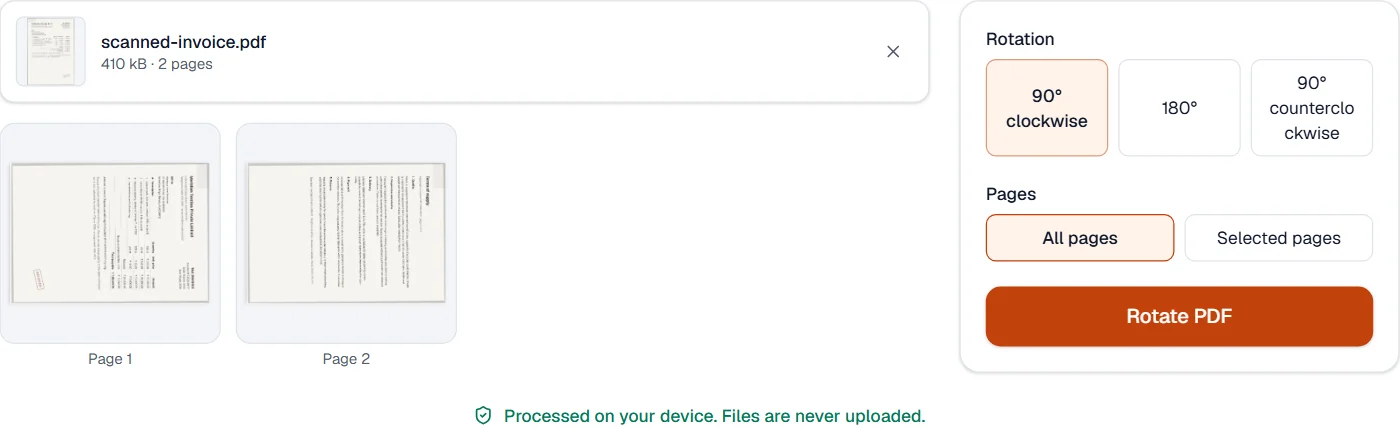
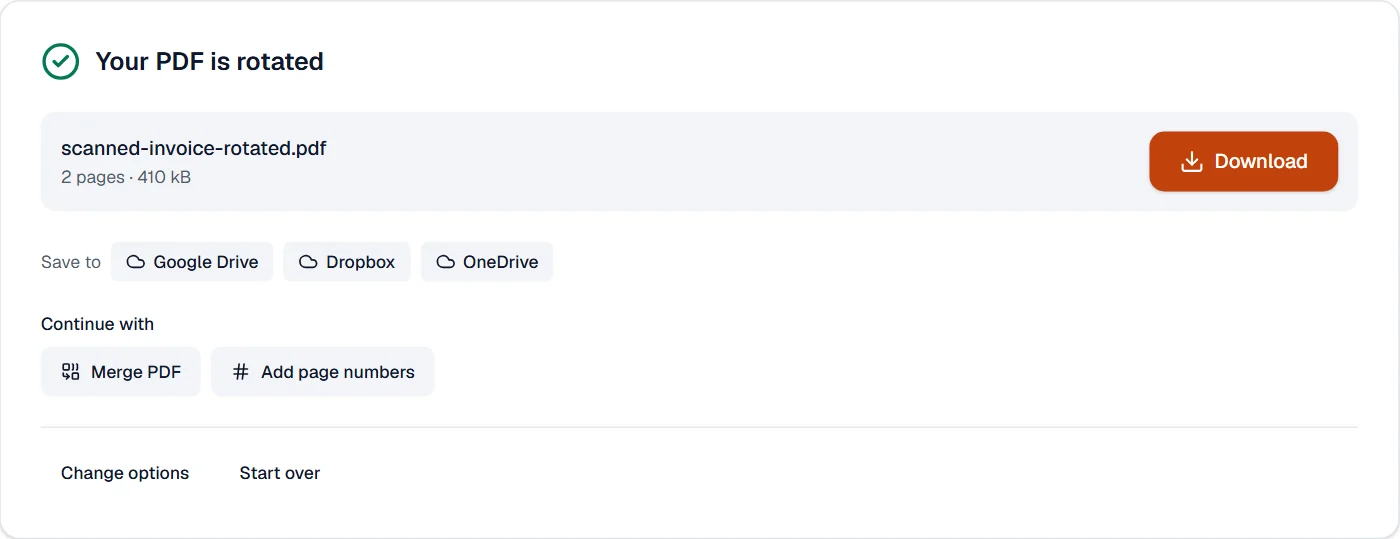
What it cannot do
- Straighten a scan that is slightly askew. Pages turn by quarter turns; Deskew PDF measures the tilt of each scanned page and turns it back.
- Turn the content without turning the page. What you see turning is the whole page, as a reader shows it.
- Keep a digital signature valid.
If something goes wrong
- Only some pages should turn
- Choose Selected pages and name them. The page pictures show which pages will turn before you press the button.
- The file came out the same
- A page already turned the way you chose stays as it is. The page pictures show the result.
- This PDF is protected. Enter its password to continue.
- Open it in Unlock PDF with its password first. Open Unlock PDF
About Rotate PDF
Rotate PDF turns pages the right way up, all of them or only the ones you choose, by 90, 180 or 270 degrees. The rotation is saved in the file so every viewer shows the pages correctly.
How to use Rotate PDF
Add the PDF.
Choose the pages and the angle; the thumbnails turn so you can check the result.
Choose Rotate PDF and download the corrected document.
Frequently asked questions
- Will the rotation stick in other viewers?
- Yes. The page rotation is written into the PDF itself, so it shows the same everywhere, including when printed.
- Can I rotate only the landscape pages?
- Select just those pages, or use Organize PDF to rotate pages one at a time from their thumbnails.
- Does rotating lose quality?
- No. Nothing is re-rendered; the content is untouched and only its orientation changes.
- How do I rotate a PDF on my phone and save it?
- Open this page in the phone's browser, add the PDF, choose the angle and download. The rotation is saved in the file, and nothing is uploaded.
- Can I rotate a PDF that has a password?
- Yes. Enter the password when asked; it is used on your device only. The rotated copy is saved without the password unless you protect it again.
Related tools
- Organize PDFReorder, rotate, duplicate, delete or reverse pages visually, and add blank pages or another PDF’s pages where you choose.
- Crop PDFCut pages down to the part you want, or trim the margins automatically.
- Flatten PDFMake form fields, comments and drawings a permanent part of the page.
- Merge PDFCombine several PDFs into one, in the order you want, or the front and back sides of a scan made one side at a time.