
Resize PDF pages
Change the paper size, scale the content to fit, or add margins.
or drop files here
You can also paste with Ctrl+V
A document we wrote for this: nothing of yours is used.
Processed on your device. Files are never uploaded.
Quick facts
- Takes
- One PDF. A password-protected PDF is refused until it is unlocked.
- Gives
- The same document on new paper: A4, Letter, A3, A5, Legal, Tabloid or any size from 1 to 200 inches a side, in each page’s own orientation or one you fix, on all pages or the ones you name.
- Runs
- In your browser. The file is never uploaded, and nothing is kept anywhere.
- Plan
- Free, with no account and no watermark: 10 tasks a day, on files up to 50 MB and 100 pages. Pro has no daily count and takes files up to 500 MB, with no page limit.
- Three ways
- Scale the content to fit the new paper, keep it at its size and center it, or add a margin all round, from 6 to 25 mm.
The page’s own content, scaled
A page’s content is a list of drawing instructions; the tool puts one transformation in front of it, which scales and moves everything at once, in proportion, the same way on both axes. Text stays text, a vector drawing stays sharp, and a scanned picture is shown larger or smaller without being encoded again, so nothing is lost and the file hardly changes size.
Everything that sits on the page moves with it: links, comments and form fields keep their places over the content, and bookmarks and links from other pages open the same spot of the page as before. With Keep the size, a smaller paper cuts off what no longer fits, which the preview shows before you press the button.
Measured on our sample file
| Sample | Pages | New size | Input | Output | Time |
|---|---|---|---|---|---|
| Quarterly report, A4 | 3 | 612 × 792 pt | 28 kB | 29 kB | 0.2 s |
What it looks like
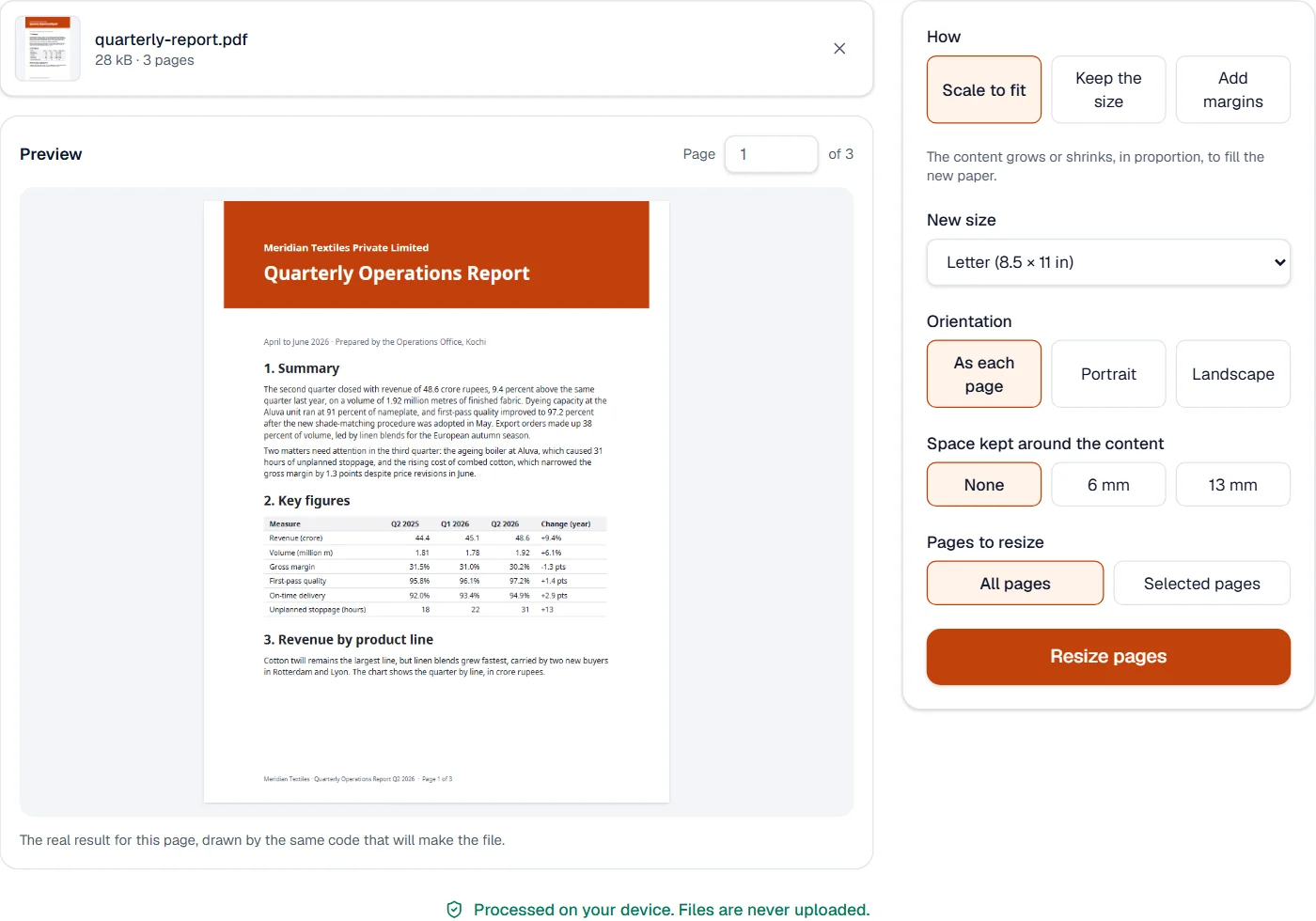
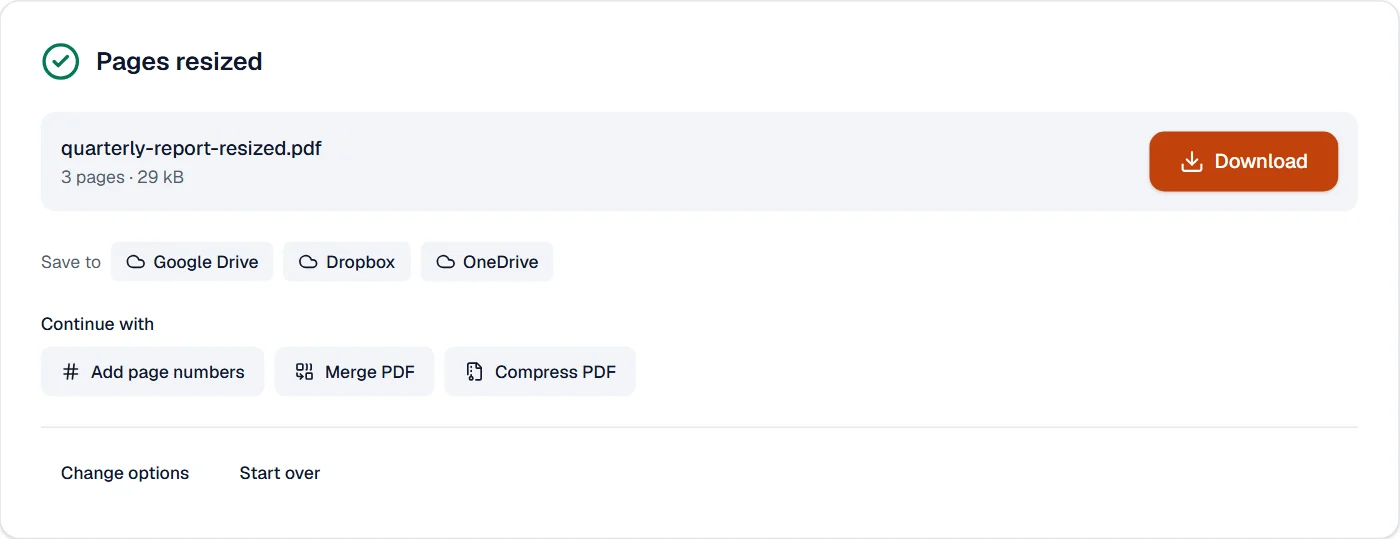
What it cannot do
- Stretch content out of proportion: it is always scaled evenly.
- Reflow text to a new width: the page is scaled as it is.
- Make a page larger than 200 inches on a side, the limit PDF sets.
If something goes wrong
- Content is cut off at the edges
- Choose Scale to fit instead of Keep the size, or a larger paper.
- Landscape pages come out portrait
- Keep the orientation As each page, which turns the paper to match.
- This PDF is protected. Enter its password to continue.
- Open it in Unlock PDF with its password first. Open Unlock PDF
About Resize PDF pages
Resize PDF pages changes the paper size of a document: to A4 or Letter for printing, to a size a publisher asks for, or by adding a margin all round. The content scales, stays its size, or gets more room, as you choose.
How to use Resize PDF pages
Add the PDF.
Choose how to resize, the new size and the orientation; the preview shows a page.
Choose Resize pages and download the result.
Frequently asked questions
- Will my Letter document print on A4 without cutting anything?
- Yes. Choose Scale to fit and A4: each page shrinks in proportion just enough to fit.
- Can I add room for binding or notes?
- Yes. Choose Add margins and a width: the paper grows on every side and the content stays as it is.
- Is the text still text?
- Yes. Nothing is turned into a picture; the page's own content is scaled.
- Do links and bookmarks still point to the right place?
- Yes. They move with the content, so they open the same spot of the page.
- Can I resize only some pages?
- Yes. Choose Selected pages and give their numbers.
Related tools
- Crop PDFCut pages down to the part you want, or trim the margins automatically.
- Pages per sheetPrint 2 to 16 pages on one sheet, as handouts or to save paper.
- Add page numbersNumber pages with the position and style you choose, add a header and footer, or set the page numbers a reader shows.
- Rotate PDFTurn pages the right way up, all at once or one by one.