
Edit PDF properties
Change or remove the title, author, keywords and other details stored in a PDF.
or drop files here
You can also paste with Ctrl+V
A document we wrote for this: nothing of yours is used.
Processed on your device. Files are never uploaded.
Quick facts
- Takes
- One PDF. A password-protected PDF is opened once its password is typed on the file card.
- Gives
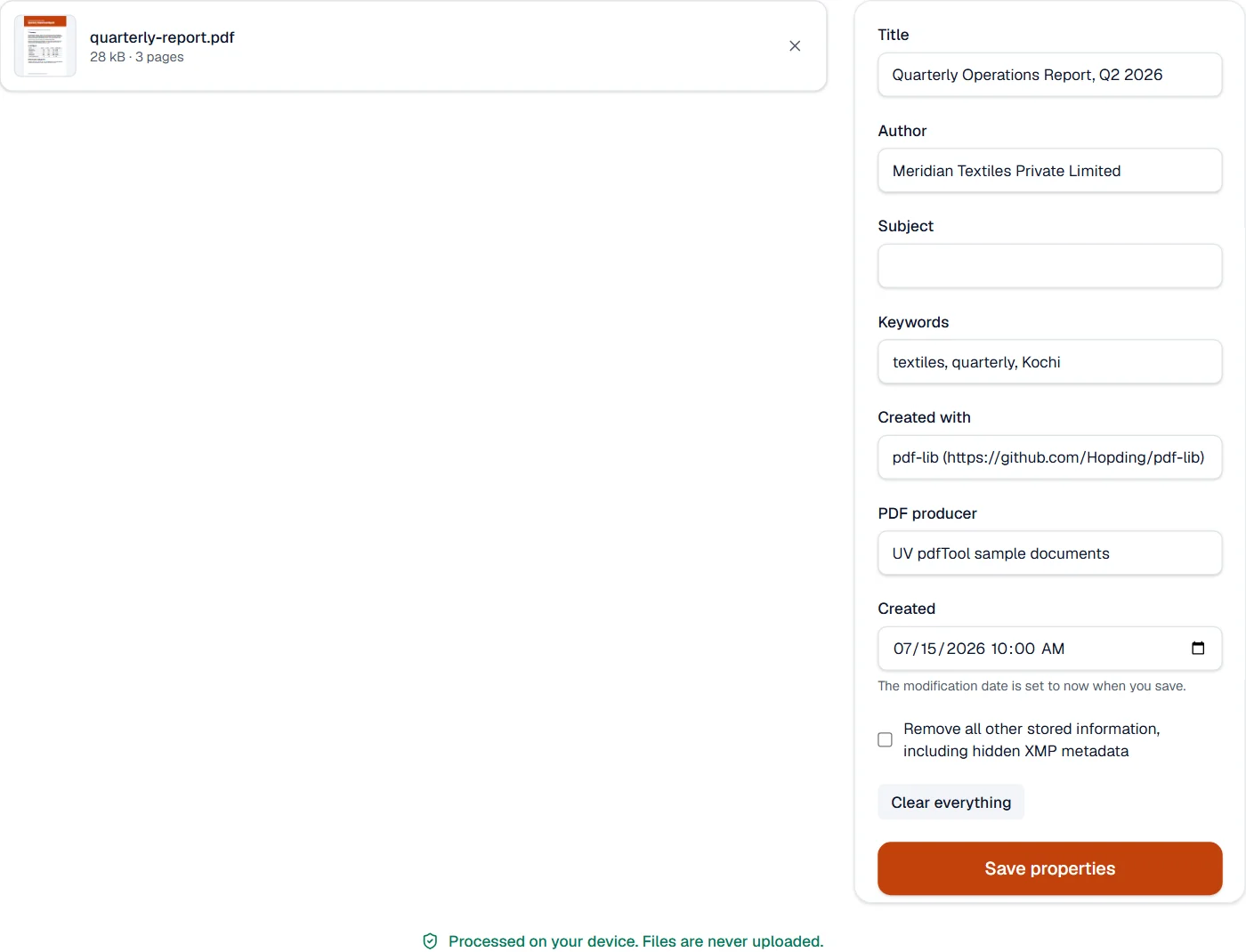
- The same PDF with its title, author, subject, keywords, creator and producer set as you typed them, or with every stored property removed, hidden XMP metadata included.
- Runs
- In your browser. The file is never uploaded, and nothing is kept anywhere.
- Plan
- Free, with no account and no watermark: 10 tasks a day, on files up to 50 MB and 100 pages. Pro has no daily count and takes files up to 500 MB, with no page limit.
- Clear everything
- One button removes all stored information about the file: who made it, with what, and when. The pages stay as they are.
Two places a PDF keeps its record
A PDF records its title and the rest in an information dictionary, and often again in an XMP metadata stream that programs such as Acrobat and InDesign write. The tool shows the dictionary’s values, writes both places when you save, so a reader that reads either sees the same, and sets the modification date to now, as every PDF writer does. Clearing removes both, and a reader then shows the file name and nothing else.
What the pages say is content, not properties: a name in a header or a watermark is changed in Edit PDF or removed with Redact PDF.
Measured on our sample file
| Sample | Input | Output | Time |
|---|---|---|---|
| Text report | 28 kB | 29 kB | 0.2 s |
What it looks like
What it cannot do
- Change what is on the pages. The title, author, subject and keywords are the file's own record, not its content.
- Add custom properties, or edit the XMP metadata field by field. Remove all other stored information clears it.
- Keep the modification date. It is set to now when you save, as every PDF writer does.
If something goes wrong
- The title does not show in my reader
- Readers show the file name or the title as they choose. Set the title here and name the file as you like.
- Something still names the author after clearing
- Clearing removes what the file records about itself. A name in a header, a footer or a watermark is page content, which the editor changes. Open Edit PDF
- This PDF is protected. Enter its password to continue.
- Open it in Unlock PDF with its password first. Open Unlock PDF
About Edit PDF properties
Edit PDF properties changes the title, author, subject, keywords and other metadata stored in a PDF, which search engines, document systems and readers display. Clean metadata makes a document look professional and easier to find.
How to use Edit PDF properties
Add the PDF; its current properties are shown.
Change the title, author, subject, keywords, creator and producer, or clear them.
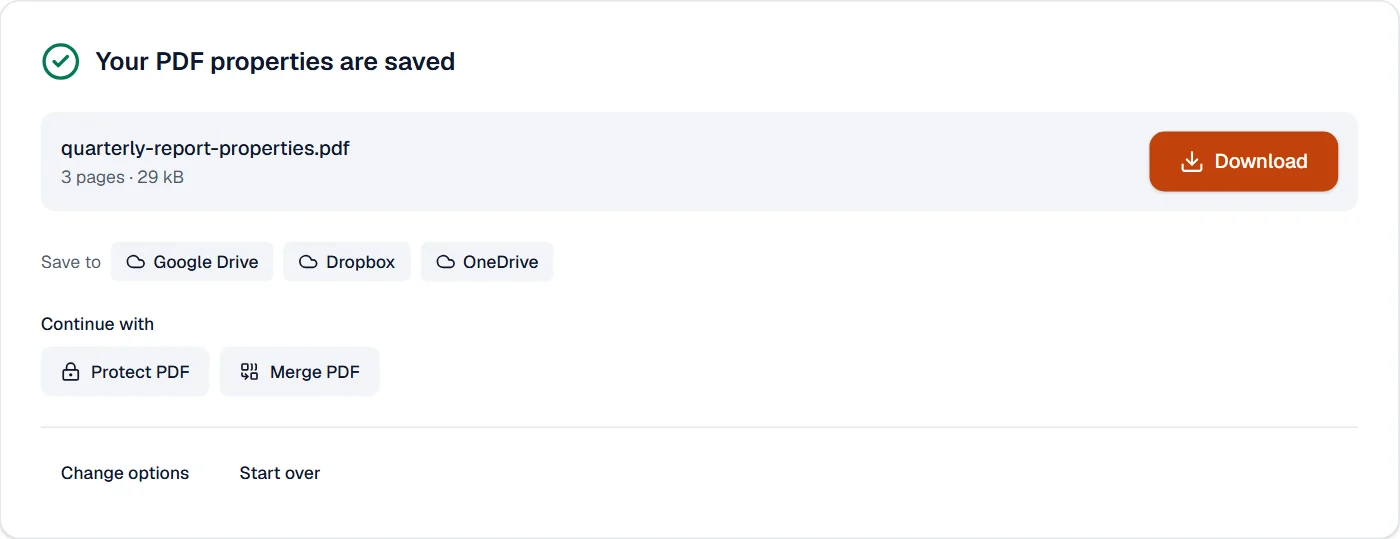
Choose Save and download the updated document.
Frequently asked questions
- Does the title change the file name?
- No. The title is inside the file and shows in the reader's window; the file name stays yours to choose.
- Can I remove hidden information?
- Clearing the fields removes the stored names and software details. To remove text or pictures from the pages, use Redact PDF.
- Are dates changed?
- The modification date is updated when you save; the creation date stays.
- Why does the browser tab show the wrong name for my PDF?
- Browsers show the title stored in the file. Change the title here and save, and the tab shows the new one.
- Can I add keywords so the PDF is easier to find?
- Yes. Keywords, the subject and the title are stored in the file and read by document systems, desktop search and search engines.
Related tools
- Edit PDFEdit the text of a PDF like in a word processor, add text, images, signatures, stamps, shapes, highlights and comments, and check the spelling of the whole file.
- Flatten PDFMake form fields, comments and drawings a permanent part of the page.
- PDF to PDF/ATurn a PDF into a PDF/A file for long-term archiving.
- Protect PDFAdd a password with strong AES-256 encryption.