
Protect PDF
Add a password with strong AES-256 encryption.
or drop files here
You can also paste with Ctrl+V
A document we wrote for this: nothing of yours is used.
Processed on your device. Files are never uploaded.
Quick facts
- Takes
- One PDF that is not already protected.
- Gives
- The same PDF encrypted with AES-256 and the password you chose: it opens nowhere without it, and a reader can also be told not to print, copy or change it.
- Runs
- In your browser. Neither the file nor the password is ever uploaded, and nothing is kept anywhere.
- Plan
- Free, with no account and no watermark: 10 tasks a day, on files up to 50 MB and 100 pages. Pro has no daily count and takes files up to 500 MB, with no page limit.
- Permissions
- Printing, copying text, changing the pages and filling forms can each be refused; a reader honors these when the file is opened with the user password.
Encrypted, not merely locked
The pages, the text and the pictures are encrypted with AES-256, the standard’s strongest option, using a key derived from your password; without the password the content is unreadable bytes, which is what every honest reader finds. The password is yours alone: it is not sent anywhere, not stored, and cannot be recovered by us or by anyone, so keep it where you will find it.
A file that is already protected is opened with its password in Unlock PDF first, then protected again with a new one.
Measured on our sample file
| Sample | Pages | Input | Output | Opens without the password | Time |
|---|---|---|---|---|---|
| Text agreement | 2 | 41 kB | 42 kB | No | 1.1 s |
What it looks like
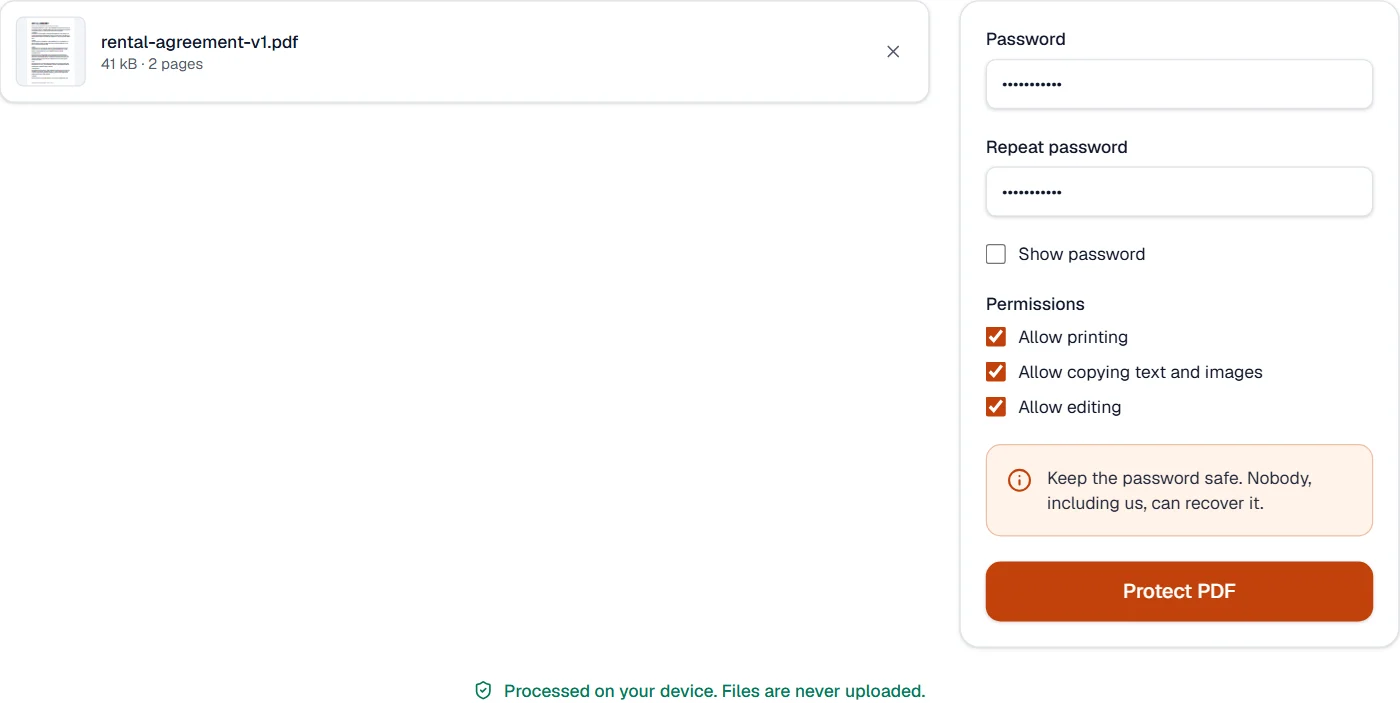
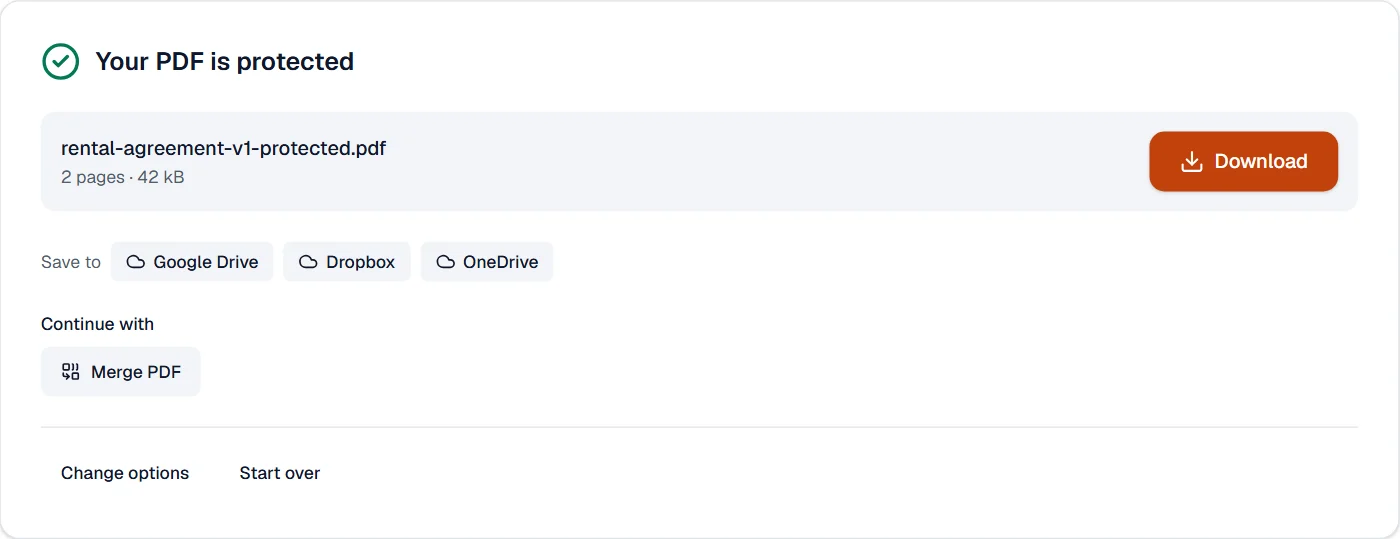
What it cannot do
- Recover a forgotten password. Nobody can, and neither can we; the file is encrypted with it.
- Stop someone from photographing the screen or retyping the text. A password keeps the file closed; it cannot keep eyes away.
- Add rights management (DRM), expiry or tracking.
- Keep a digital signature valid. Encrypting changes the file.
If something goes wrong
- The passwords don't match.
- Type the same password twice. The eye button shows what you typed.
- This PDF is protected. Enter its password to continue.
- The file already has a password. Open it in Unlock PDF first, then protect it with the new one. Open Unlock PDF
- A reader opens the file without asking
- Permissions alone restrict printing or copying but open freely. Set an opening password to keep the file closed.
About Protect PDF
Protect PDF encrypts a document with AES-256 and a password, and lets you forbid printing, copying or changes. The encryption happens in your browser, so the password and the file never leave your device.
How to use Protect PDF
Add the PDF.
Set the password to open the file and, optionally, an owner password and the permissions.
Choose Protect PDF and download the encrypted document.
Frequently asked questions
- How strong is the protection?
- AES-256, the strongest encryption the PDF standard offers. A long password is what makes it safe; nobody can recover a forgotten one.
- What is the difference between the two passwords?
- The open password is needed to read the file. The owner password lets someone change the permissions; without it, printing or copying can be forbidden.
- Can I remove the password later?
- Yes, with Unlock PDF, if you know the password.
- Can I stop a PDF from being edited or copied without a password to open it?
- Yes. Leave the open password empty, untick the permissions you want to withhold, and readers can open the file but not edit, copy or print it.
- Will the protected PDF open in every reader?
- Yes. AES-256 is part of the PDF standard, so Acrobat, browsers and phone readers all ask for the password and open the file.
Related tools
- Unlock PDFRemove the password and restrictions from a PDF you can open.
- Add watermarkStamp text such as CONFIDENTIAL or DRAFT across pages, put a logo or picture on them, or add a rubber stamp with the date.
- Redact PDFRemove sensitive text and pictures for good: find emails, phone, card, Aadhaar, PAN and IBAN numbers at once, or draw boxes.
- Flatten PDFMake form fields, comments and drawings a permanent part of the page.