
Repair PDF
Rebuild a damaged PDF that will not open.
or drop files here
You can also paste with Ctrl+V
A document we wrote for this: nothing of yours is used.
Processed on your device. Files are never uploaded.
Quick facts
- Takes
- One file that should be a PDF but will not open. The page does not try to show it first, since a damaged file may not open at all.
- Gives
- A fresh PDF with every page that could be recovered, with a clean cross-reference table, that opens in any reader.
- Runs
- In your browser: the engine reads the file on your device, rebuilds it and checks the result. Nothing is uploaded.
- Plan
- Free, with no account and no watermark: 10 tasks a day, on files up to 50 MB and 100 pages. Pro has no daily count and takes files up to 500 MB, with no page limit.
- Encrypted files
- Are opened with their password, typed on the file card; the repaired copy is not protected. One too damaged to open with its password is reported.
Read strictly, then forgivingly, then checked
A PDF is a set of objects and an index that says where each one is; a bad download or a failing disk usually spoils the index, the end of the file or an object or two, and readers refuse the whole. The engine’s strict reader tries first; when it refuses, a forgiving parser scans the file for the objects that are there and rebuilds the pages from them. The result is written as a new file and must pass the strict reader before it is handed over, so what you get opens.
What is not there cannot be recovered: a page whose content is missing is gone, and the result says how many pages came back. A file that is not a PDF at all, a renamed Word file for instance, is not repaired but converted, with Word to PDF.
Measured on our sample file
| Sample | Damaged file | Repaired | Pages back | Time |
|---|---|---|---|---|
| Spoilt report | 28 kB | 28 kB | 3 | 1.0 s |
Read it as the common case: the pages were all there and only the index was broken, so all of them came back and the file is a little smaller, having been written cleanly. The sample is on the page, so you can try the same.
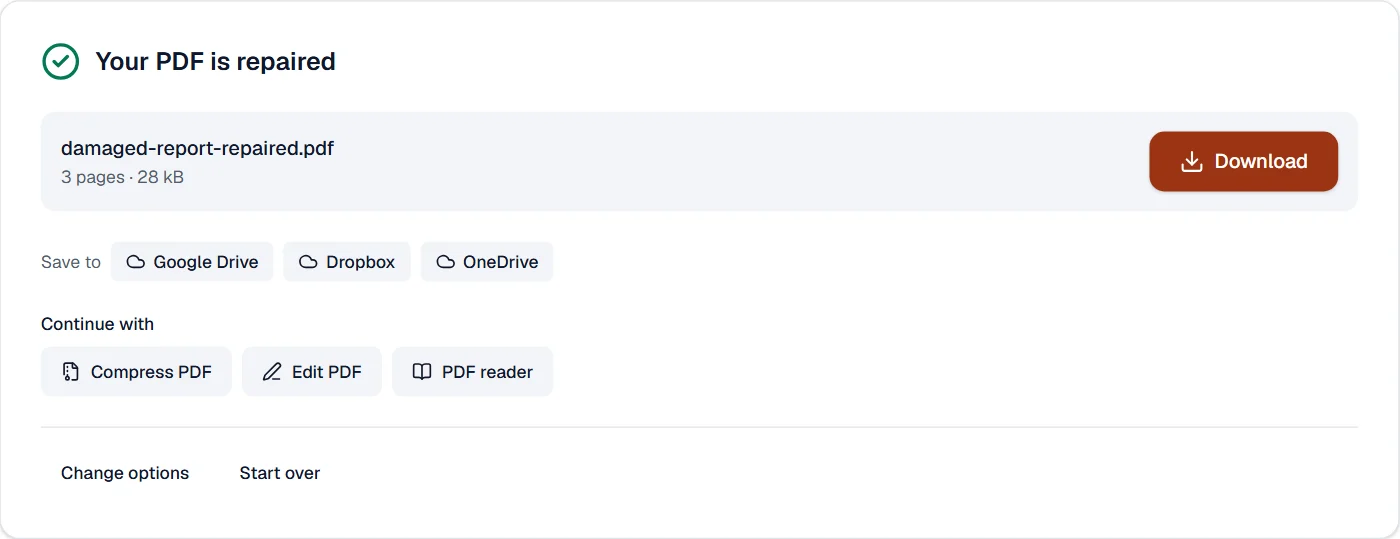
What it looks like

What it cannot do
- Recover a page whose content is gone from the file. The pages that are there come back; lost ones do not.
- Open an encrypted file. A damaged encrypted file is reported, not decrypted.
- Fix a file that is not a PDF at all, such as a renamed Word file. Word to PDF converts that.
If something goes wrong
- The file could not be repaired
- The objects the pages are made of are missing, not just the index to them. Ask for the file again; the copy that arrived is the only one there is.
- This PDF is protected. Enter its password to continue.
- Open it in Unlock PDF with its password first, if it opens; a damaged encrypted file needs its sender. Open Unlock PDF
- Your browser ran out of memory. Try fewer or smaller files.
- Close other tabs to free memory and try again; rebuilding a damaged file can take more memory than reading a sound one.
About Repair PDF
Repair PDF rebuilds files that will not open, show errors or hang the viewer: a damaged cross-reference table, truncated downloads and files mangled by other software. Each page is copied into a fresh, valid PDF in your browser.
How to use Repair PDF
Add the damaged PDF.
The file is rebuilt in your browser; the result is checked with a strict reader.
Download the repaired PDF. The file never left your device.
Frequently asked questions
- Can every PDF be repaired?
- Most. A file with missing pieces of its pages can only be rebuilt as far as the data exists; you are told what could not be recovered.
- Is a password-protected file repaired?
- Yes, once its password is typed on its card: the repaired copy is not protected. A file too damaged to open with its password cannot be repaired here; ask its sender for a new copy.
- Is my file uploaded?
- No. The rebuild runs in your browser, on your device, so the file never leaves it.
- My download stopped halfway. Can the PDF be recovered?
- What exists in the file is recovered: the pages before the cut are rebuilt into a valid PDF, and you are told what was lost.
- My PDF opens but shows errors or blank pages. Will this help?
- Usually, yes. The rebuilt file has a clean structure, which fixes most viewer errors and the pages that render as blank because of broken references.
Related tools
- Compress PDFMake a PDF smaller, down to an exact size if you need one.
- Flatten PDFMake form fields, comments and drawings a permanent part of the page.
- PDF to PDF/ATurn a PDF into a PDF/A file for long-term archiving.
- PDF readerRead any PDF fast, with thumbnails, an outline and search, even a thousand pages long, and print it.