
Web page to PDF
Save any public web page as a PDF.
Checking that the servers are available…
Pro. Runs on our servers: encrypted in transit, deleted automatically.
Quick facts
- Takes
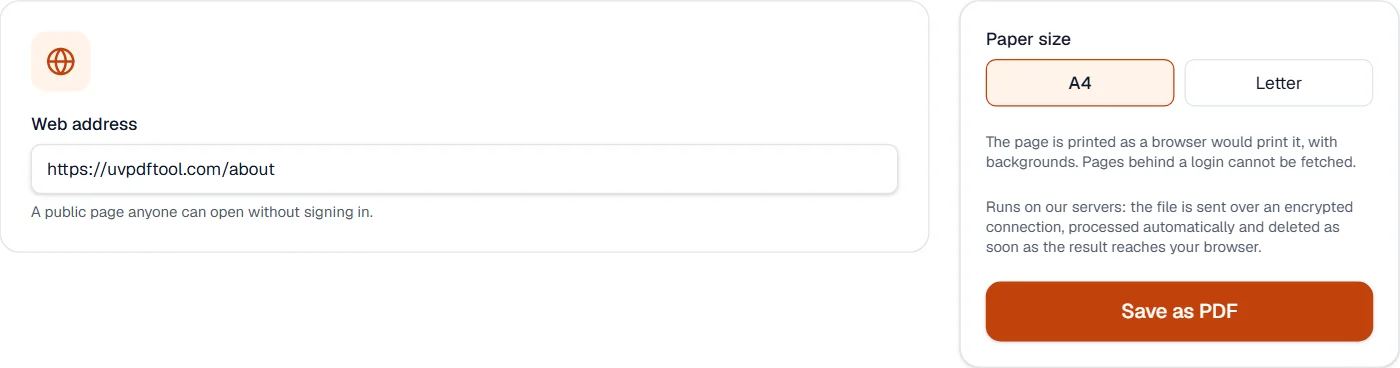
- The address of a public web page, http or https.
- Gives
- The page printed to PDF on A4 or Letter, with its pictures and backgrounds, the way the site’s own print styles lay it out.
- Runs
- On our servers: a headless Chromium with no cookies and no login visits the address, prints, and the job is deleted as soon as the result is fetched.
- Plan
- Pro: 200 tasks a day on our servers, and a task that fails is not counted. The tools that run in your browser stay free.
- Only public pages
- The address must resolve to a public host, and so must every request the page makes; private networks and local addresses are refused, which keeps the servers from being used to look at anything they should not.
Printed by a browser that knows nothing about you
The server opens the page in Chromium as a first-time visitor, waits for it to load, and prints it with backgrounds on and the site’s print stylesheet applied, which is what the page itself asks a printer to do. A page behind a login or a paywall shows that browser what it shows any stranger, and that is what gets printed. Links in the text stay clickable where the print styles keep them.
Measured on our own page
| Page | Pages | Time | |
|---|---|---|---|
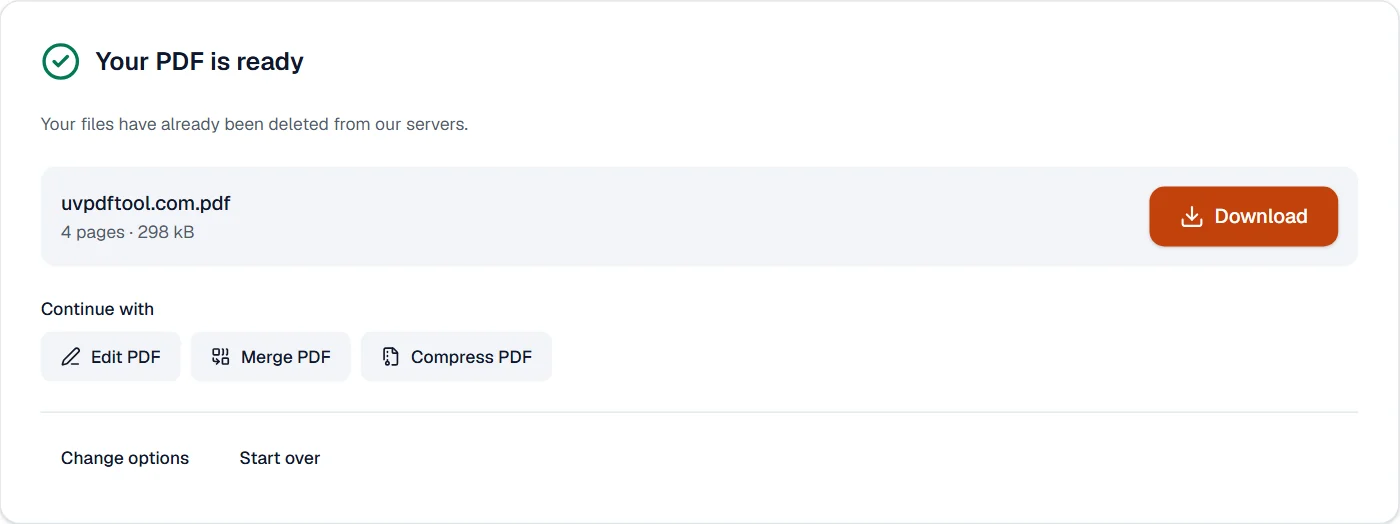
| uvpdftool.com/about | 298 kB | 4 | 8.9 s |
Read it as what a page costs: a few seconds for the browser to start, load and print, and a file whose size is the page’s pictures and fonts.
What it looks like
What it cannot do
- Open a page behind a login, a paywall or a cookie wall. The servers visit as a stranger would.
- Reach an address on a private network or a local machine. Only public hosts are fetched, which also keeps the servers from being used to probe anything.
- Capture an endless scroll, or content that loads as you scroll. What the page shows after loading is printed.
- Keep every link clickable. The printed text is kept; links are, where the page's print styles keep them.
If something goes wrong
- The page could not be loaded. Check the address and try again.
- Check the address in a browser. A page that needs a login, blocks robots, or takes longer than the limit to load cannot be printed.
- That web address cannot be fetched. Use a public http or https address.
- Write the full address, starting with https://, of a page on the public internet.
- Today's tasks are used up
- Pro runs 200 tasks a day on our servers, and each page saved counts as one. The count starts again at midnight UTC.
About Web page to PDF
Web page to PDF saves any public web page as a PDF, with its pictures, styles and links, as a browser would print it. Handy for receipts, articles and records of what a page said on a given day. The page is fetched by our servers.
How to use Web page to PDF
Paste the address of the page.
Choose the paper size; the page is loaded by a headless browser on our servers and printed to PDF.
Download the PDF.
Frequently asked questions
- Can it save a page behind a login?
- No. Our servers see the page as an anonymous visitor would. Print the page to PDF from your own browser for pages that need you signed in.
- Are links kept?
- Yes, links in the page stay clickable in the PDF.
- Why does the page look different from my screen?
- Pages are printed with their print styles at the paper size you chose, as a browser's print dialog would; some sites hide menus and ads in print.
- Can I convert an HTML file from my computer?
- This tool fetches a public web address. For an HTML file on your own computer, open it in your browser and print it to PDF.
- Can I choose the paper size?
- Yes. Pick A4, Letter or another size before saving; the page is laid out as a printer would.
Related tools
- Merge PDFCombine several PDFs into one, in the order you want, or the front and back sides of a scan made one side at a time.
- Compress PDFMake a PDF smaller, down to an exact size if you need one.
- PDF to JPGSave each page as a JPG, PNG or TIFF picture, or pull out the pictures inside the PDF.
- Edit PDFEdit the text of a PDF like in a word processor, add text, images, signatures, stamps, shapes, highlights and comments, and check the spelling of the whole file.