
Crop PDF
Cut pages down to the part you want, or trim the margins automatically.
or drop files here
You can also paste with Ctrl+V
A document we wrote for this: nothing of yours is used.
Processed on your device. Files are never uploaded.
Quick facts
- Takes
- One PDF. A password-protected PDF is opened once its password is typed on the file card.
- Gives
- The same PDF with each chosen page cropped to the box you drew, or to its ink with a margin you set. Readers show the cropped area; printers print it.
- Runs
- In your browser. The file is never uploaded, and nothing is kept anywhere.
- Plan
- Free, with no account and no watermark: 10 tasks a day, on files up to 50 MB and 100 pages. Pro has no daily count and takes files up to 500 MB, with no page limit.
- Two ways
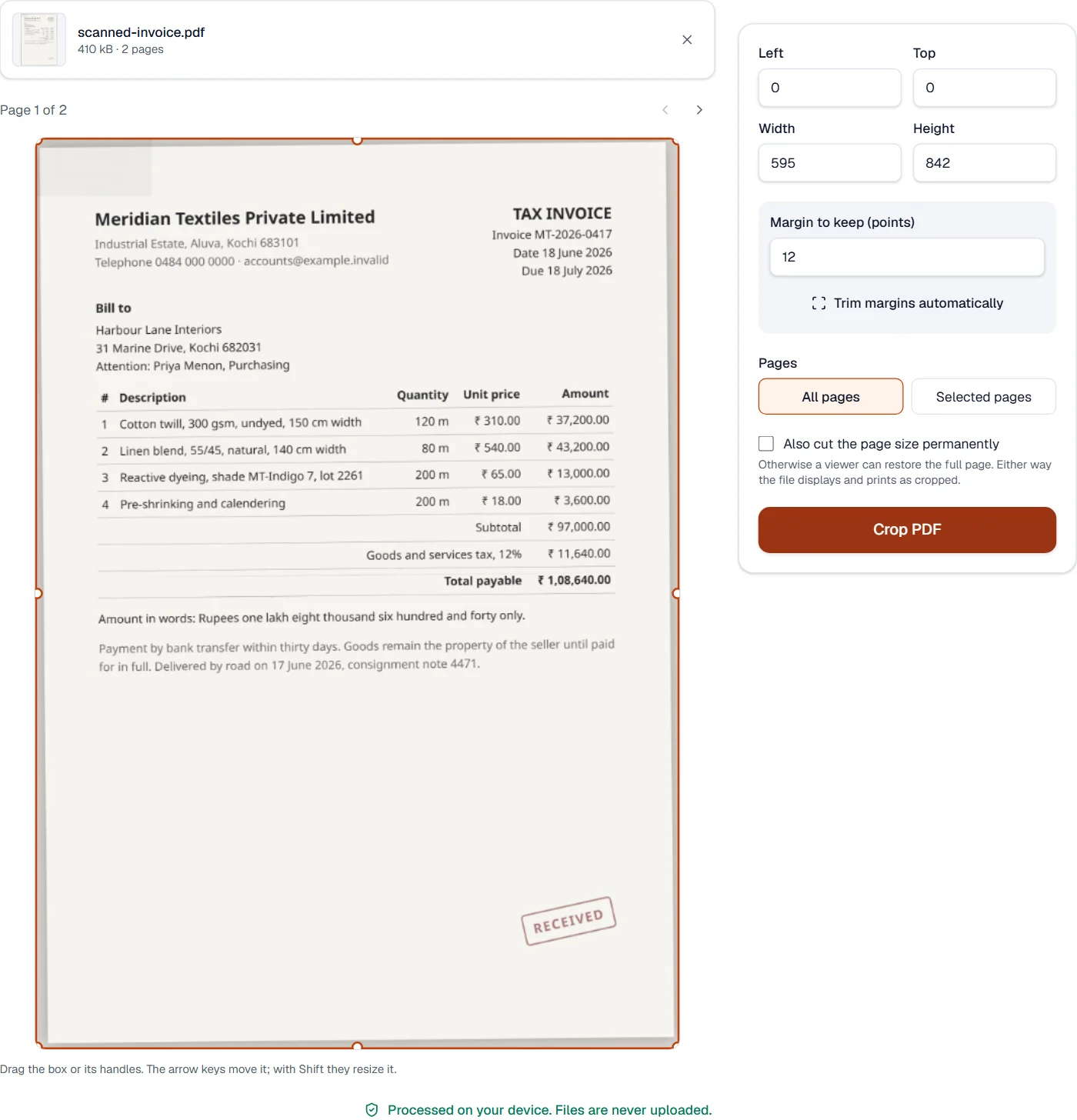
- Draw the box on the page, with the size shown as you drag, or let the tool measure the ink on the pages and trim the white around it.
A crop box, which hides rather than removes
A PDF page has a crop box, the part a reader shows, and the tool sets it: the content is untouched, which is why cropping is instant and the file does not change size. That also means the cropped-away part is still in the file, hidden rather than gone; when what is outside the box must not travel with the file, use Redact PDF, which removes content. Automatic trimming draws each page and measures where the ink stops, then keeps the margin you chose around it.
Measured on our sample file
| Sample | Pages | Page before | Page after | Time |
|---|---|---|---|---|
| Text report | 3 | 595 × 842 pt | 595 × 825 pt | 0.2 s |
Read it as what trimming finds: a text page keeps its text and loses the white around it. A scan whose paper is not pure white is measured as ink to its edges, so it is trimmed little; draw the box on such a page instead.
What it looks like
What it cannot do
- Remove what is cropped away. It is hidden by the page's crop box and stays in the file; Redact PDF removes content for good.
- Crop each page differently. One box, or one automatic trim, applies to the pages chosen.
- Change the page size without cropping. The editor's page tools do that.
If something goes wrong
- These pages are blank, so there is nothing to trim to.
- Automatic trimming measures the ink on the page; a blank page has none. Draw the box instead.
- The box lies outside the page
- Drag the corners back inside. The numbers under the box show the size it will give.
- This PDF is protected. Enter its password to continue.
- Open it in Unlock PDF with its password first. Open Unlock PDF
About Crop PDF
Crop PDF trims the margins of pages or cuts out one region, on all pages or the ones you choose, so scans lose their black edges and slides fit a screen. The crop is stored in the file and can be undone later, or made permanent.
How to use Crop PDF
Add the PDF.
Drag the crop box on a page, or type the margins, and pick which pages it applies to.
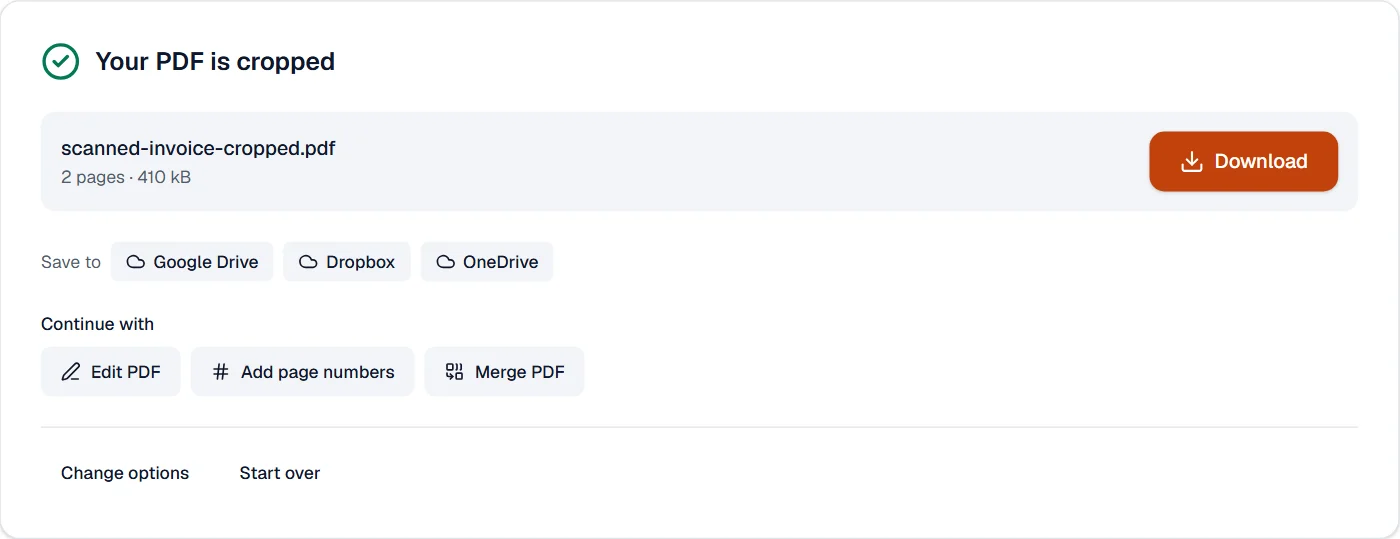
Choose Crop PDF and download the result.
Frequently asked questions
- Is the cropped content really gone?
- By default the crop only hides the area, which any editor can undo. Choose the permanent option to remove what lies outside the box.
- Can I crop each page differently?
- Apply the tool page by page, or use the editor to change individual pages.
- Does cropping reduce the file size?
- Only the permanent crop does, when large pictures fall entirely outside the box.
- Can I crop a PDF to A4 or another page size?
- Yes. Type the width and height of the area in points: A4 is 595 by 842, US Letter 612 by 792.
- Can I remove the black edges of a scan automatically?
- Yes. "Trim margins automatically" measures each page and cuts the empty border, leaving the margin you choose.
Related tools
- Rotate PDFTurn pages the right way up, all at once or one by one.
- Organize PDFReorder, rotate, duplicate, delete or reverse pages visually, and add blank pages or another PDF’s pages where you choose.
- Remove pagesDelete the pages you don’t need from a PDF, picked by hand or found blank.
- Edit PDFEdit the text of a PDF like in a word processor, add text, images, signatures, stamps, shapes, highlights and comments, and check the spelling of the whole file.