
Free PDF tools to merge, compress, edit and convert
Merge, split, organize, stamp and secure PDFs in seconds.
Most tools run on your device. The ones that use our servers say so.
Start with what you need to do
Tools
View
- PDF readerRead any PDF fast, with thumbnails, an outline and search, even a thousand pages long, and print it.
- Compare PDFSee what changed between two versions of a PDF: word by word, by how the pages look, or a copy checked against its original.The words · How the pages look · A copy against its original
Organize
- Merge PDFCombine several PDFs into one, in the order you want, or the front and back sides of a scan made one side at a time.One file after another · Fronts and backs, scanned separately
- Bundle PDFsMany documents as one: a cover, an index with page numbers, a divider before each section, bookmarks for every part, and page or Bates numbers across the whole, in your browser.
- Split PDFSplit a PDF into several files by page ranges or page count, at its bookmarks, or into parts under a size.By page ranges · Every few pages · Every page · By bookmarks · By file size
- Organize PDFReorder, rotate, duplicate, delete or reverse pages visually, and add blank pages or another PDF’s pages where you choose.Arrange the pages · Add pages
- Remove pagesDelete the pages you don’t need from a PDF, picked by hand or found blank.Pick the pages · Find the blank pages
- Extract pagesSave selected pages as a new PDF.
- Rotate PDFTurn pages the right way up, all at once or one by one.
- Pages per sheetPrint 2 to 16 pages on one sheet, as handouts or to save paper.
- Split pages in halfCut pages in two: a scanned book's spreads become single pages.
- Resize PDF pagesChange the paper size, scale the content to fit, or add margins.
Edit
- Edit PDFEdit the text of a PDF like in a word processor, add text, images, signatures, stamps, shapes, highlights and comments, and check the spelling of the whole file.
- Add page numbersNumber pages with the position and style you choose, add a header and footer, or set the page numbers a reader shows.Page numbers · Add header and footer · Numbers a reader shows
- Add watermarkStamp text such as CONFIDENTIAL or DRAFT across pages, put a logo or picture on them, or add a rubber stamp with the date.Text · Picture or logo · Rubber stamp
- Fill and sign PDFFill in a PDF form, then sign it in the editor.
- Create PDF formAdd fillable fields to any PDF, or let a printed form’s blanks, lines and boxes become fields: text boxes, check boxes, choices, dates and signatures.
- OCR PDFMake a scanned PDF searchable, with text you can copy, in 25 languages.
- Crop PDFCut pages down to the part you want, or trim the margins automatically.
- Edit PDF propertiesChange or remove the title, author, keywords and other details stored in a PDF.
- Bates numberingNumber every page of one or more PDFs with a unique, continuing number.
- Bookmarks and contentsEdit a PDF's bookmarks, make them from its headings, add a contents page.
Convert
- PDF to JPGSave each page as a JPG, PNG or TIFF picture, or pull out the pictures inside the PDF.JPG · PNG · TIFF · The pictures inside the PDF
- JPG to PDFTurn photos and images into a PDF, one image per page.
- Scan to PDFPhotograph documents with your camera, straighten and clean them up, and save them as a PDF.
- Word to PDFTurn Word documents into PDFs that look the same everywhere.Pro · runs on our servers
- Excel to PDFTurn Excel spreadsheets into PDFs, every sheet included.Pro · runs on our servers
- PowerPoint to PDFTurn PowerPoint presentations into PDFs, one slide per page.Pro · runs on our servers
- PDF to WordTurn a PDF into an editable Word document.Pro · runs on our servers
- PDF to ExcelTurn the tables and figures of a PDF into an Excel workbook, in your browser.Tables and text · Form data
- PDF to PowerPointTurn a PDF into an editable PowerPoint presentation, one page per slide.Pro · runs on our servers
- PDF to MarkdownTurn a PDF into Markdown text with its headings, lists, tables and pictures.
- PDF to PDF/ATurn a PDF into a PDF/A file for long-term archiving.Pro · runs on our servers
- Web page to PDFSave any public web page as a PDF.Pro · runs on our servers
- HTML to PDFTurn an HTML file into a PDF, with its styles, pictures and links.Pro · runs on our servers
- Markdown to PDFTurn a Markdown file into a tidy PDF with headings, tables and page numbers.Pro · runs on our servers
- EPUB to PDFTurn an e-book into a PDF to read, print or share.Pro · runs on our servers
- PDF to SVGTurn each page of a PDF into an SVG drawing that stays sharp at any size.Pro · runs on our servers
- PDF/A validatorCheck whether a PDF really meets PDF/A, and see what breaks it.Pro · runs on our servers
- Grayscale PDFTurn every color into gray, in the file itself: for black-and-white print.
- PDF to textGet a PDF's text as a plain text file, in reading order.
- PDF to HTMLTurn a PDF into one web page: headings, paragraphs, lists, tables and pictures.
Optimize
Security
- Protect PDFAdd a password with strong AES-256 encryption.
- Unlock PDFRemove the password and restrictions from a PDF you can open.
- Redact PDFRemove sensitive text and pictures for good: find emails, phone, card, Aadhaar, PAN and IBAN numbers at once, or draw boxes.
- Clean PDFSee everything a PDF carries before you share it, then remove it: properties, attached files, scripts, hidden layers and earlier versions.Remove hidden data · See what the file carries
- Verify PDF signaturesCheck every digital signature in a PDF: who signed, when, and whether it changed since; and whether a copy was signed through our sign requests.
- Sign PDF with a certificateA digital signature with your own certificate (.p12, .pfx), checked by every reader.Pro
Images
- Compress imageShrink JPG, PNG and WEBP pictures, down to an exact size in KB when a form demands one.
- Resize imageChange the pixel size of pictures by width, height, exact dimensions or percent.
- Convert imageConvert pictures between JPG, PNG and WEBP, including phone HEIC photos.
- Portal-ready uploadsMake your photo, signature and documents fit the rules of an Indian exam, job or bank portal, a US visa, passport, immigration, job or tax portal, or an Irish passport, immigration or welfare service, in one go: cropped, resized, compressed, checked and named, in your browser.UPSC · SSC · NEET (UG) · JEE (Main) · GATE · CUET (UG) · UGC NET · IBPS · SBI · RRB · US visa (DS-160) · DV lottery · US passport online · USCIS · NVC (CEAC) · USAJOBS · ACT · IRS upload tool · Irish passport · Irish immigration (ISD) · MyWelfare · Irish citizenship
AI
- Summarize PDFGet the gist of a PDF in a paragraph, or its key points with their pages, in your language.A summary · Study aidsPro · AI
- Chat with PDFAsk questions about a PDF and get answers that say which page they come from.Pro · AI
- Translate PDFTranslate a PDF into another language and keep its layout: each paragraph stays where it was.Pro · AI
Shown, not claimed
Three of the tools on the sample documents you can open yourself, with figures measured on 2026-10-29 (build dd84427). Each page says what its tool cannot do as plainly as what it can.
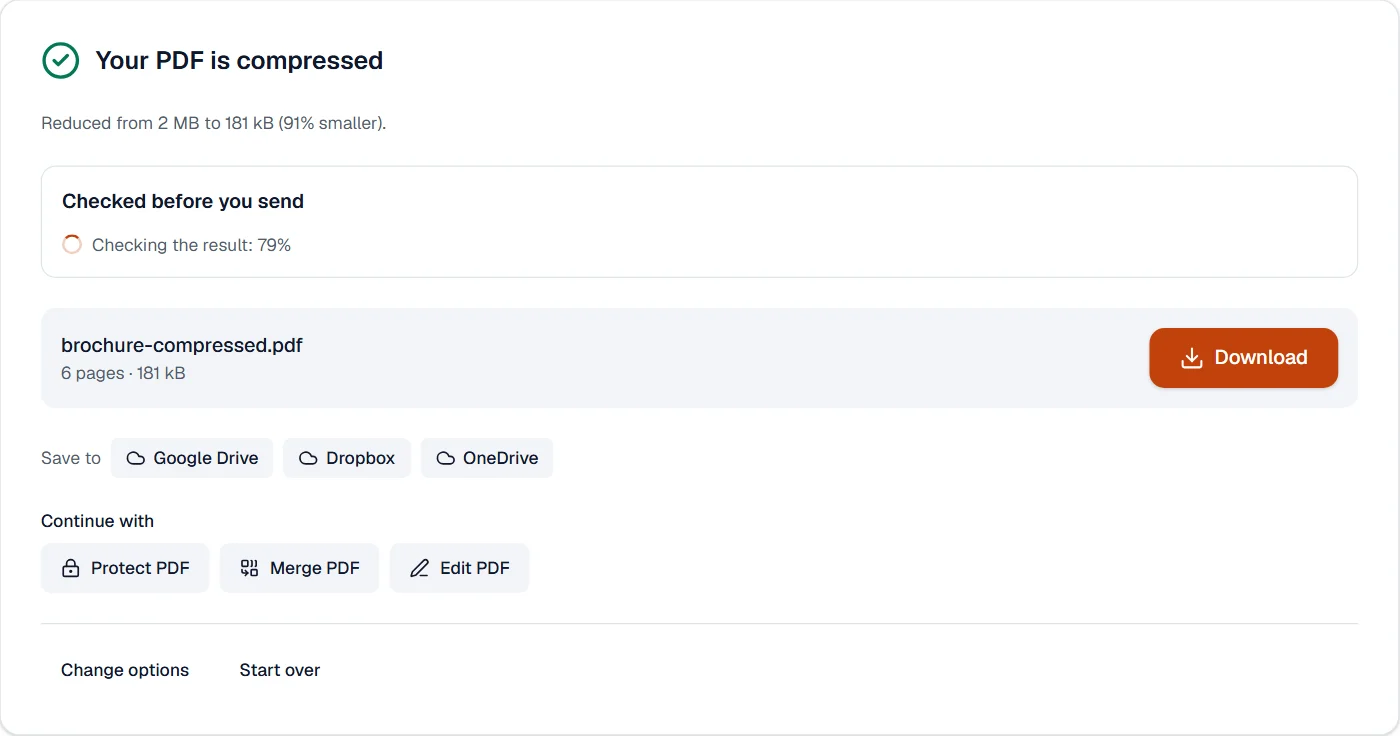
Compress PDF: a 2 MB picture brochure to 181 kB when asked for a file under 200 KB. Text stays text. See the page 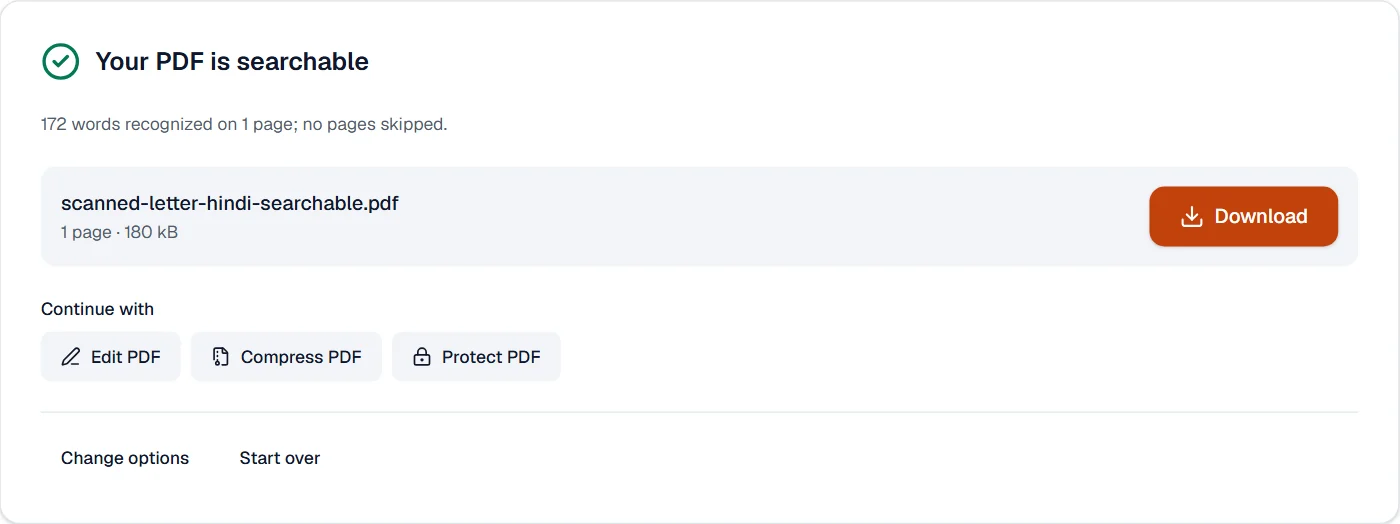
OCR PDF: 98.6% of the characters right on a scanned Hindi letter, 99.6% on a Telugu one, in your browser. See the page 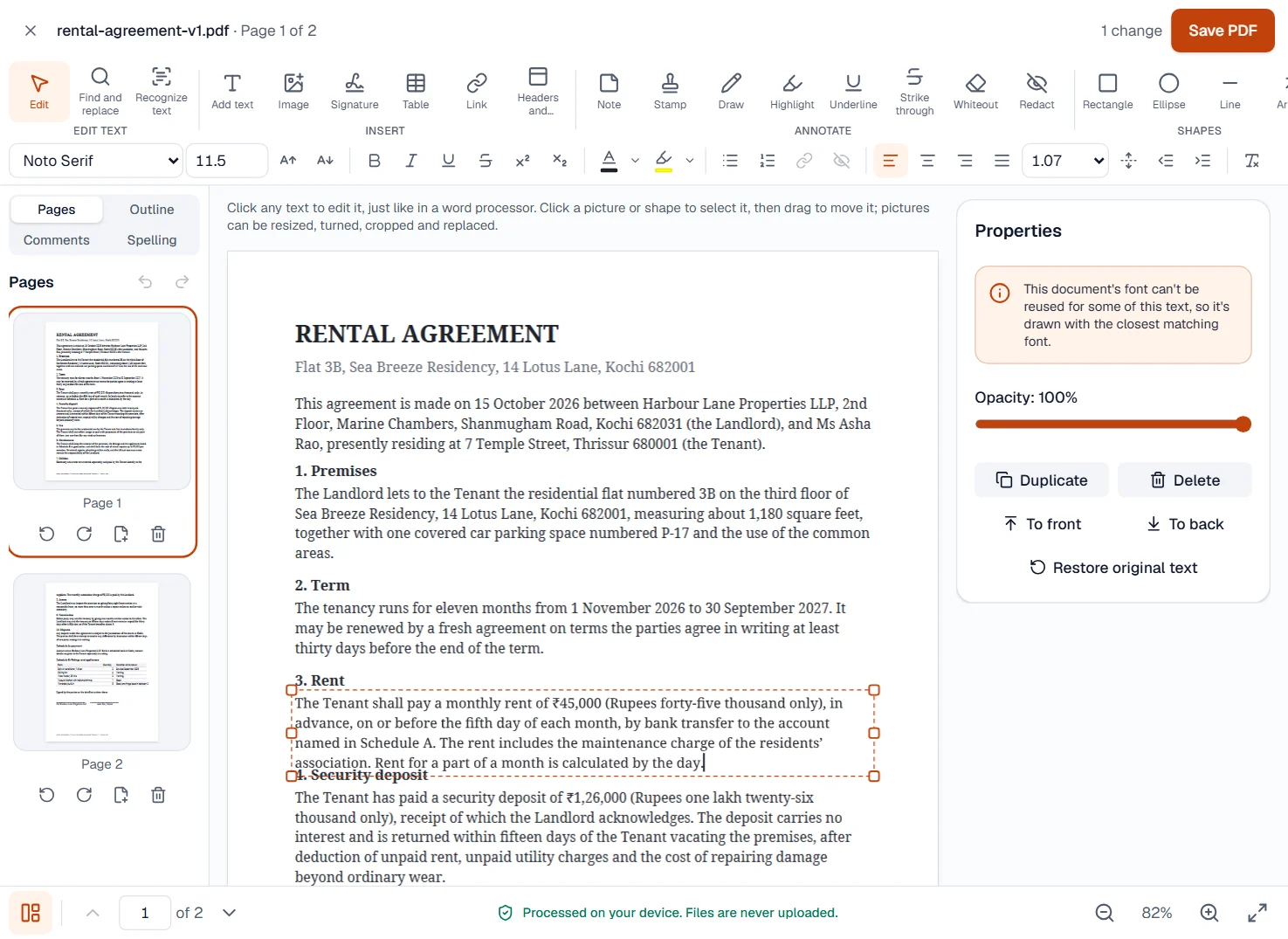
Edit PDF: click into a paragraph and type; the paragraph reflows in its own font and the rest of the page stays put. See the page
Every tool, measured the same way
All 59 tool pages carry the same sections: what the tool takes and gives, how it works, what it cannot do, and what to do when it says something; every tool measured so far adds figures from our sample files and pictures of it at work. The server tools name the day and the servers their figures came from; the three AI tools are listed before their measuring, which follows.
Organize
Edit
Convert
Guides to the tasks behind the tools
All guides- How to compress a PDF under 200 KB without losing the textA step-by-step way to get a PDF under a size limit in your browser, what the result looks like on real files, and what to do when it will not go lower.
- Why a PDF will not compress, and what makes PDFs largePictures, fonts, drawings, attachments and leftovers: what takes the space in a PDF, a one-minute test to tell which one is yours, and what to do about each.
- Make a scanned PDF searchable with OCR, without uploading itHow to turn a scan or a photographed document into a PDF you can search, copy from and edit, in your browser, with the accuracy measured on Hindi and Telugu scans.
- Redact a PDF permanently: remove the text, not just cover itWhy a black box drawn over a PDF hides nothing, how to remove text, pictures and comments for good in your browser, and how to check that they are gone.
- How to white out text in a PDF, and when to redact insteadCover a wrong date, a typo or a logo with a white box and type over it in your browser, and know the one case where covering is not enough.
Private by design
Almost every tool runs entirely in your browser, so your files are never uploaded. The few that run on our servers say so, encrypt the transfer and delete the file automatically.
Instant results
No uploads and no queues: most files are done in seconds, large ones as fast as your device allows.
No watermarks, no sign-up
The free tools add no watermark and need no account, and your files stay exactly as you made them.
Questions people ask
- Are my files uploaded anywhere?
- Almost every tool runs entirely inside your browser: the file is read and written on your own device and never leaves it. The few tools that need a server are marked “Runs on our servers”; they send the file over an encrypted connection, process it in an isolated container and delete it automatically.
- Is UV pdfTool really free?
- Yes. Every browser tool is free, with no watermark and no sign-up: 10 tasks a day on files up to 50 MB and 100 pages. Pro removes the daily count and adds the tools that run on our servers, AI and signature requests.
- Do I need to install anything?
- No. Everything works in a current version of Chrome, Edge, Firefox or Safari on a computer, tablet or phone. You can also install the site as an app; with Pro, keep the browser tools on your device from the account page and they work offline.
- How large can my files be?
- On the free plan, the browser tools take files up to 50 MB and 100 pages, 10 at a time. Pro takes files up to 500 MB in the browser and 2 GB on our servers.
- Which languages does UV pdfTool speak?
- English, Hindi, Telugu, Tamil, Kannada, Malayalam, Spanish, Portuguese and Indonesian, on every page. Text recognition reads 25 languages, among them Bengali, Marathi, Gujarati, Urdu, Arabic, Chinese, Japanese and Korean; the editor and the signature tools cover Indian scripts as well as Latin ones.